How to find copies of your photos and art on the web (Pixel Sentinel patrols)
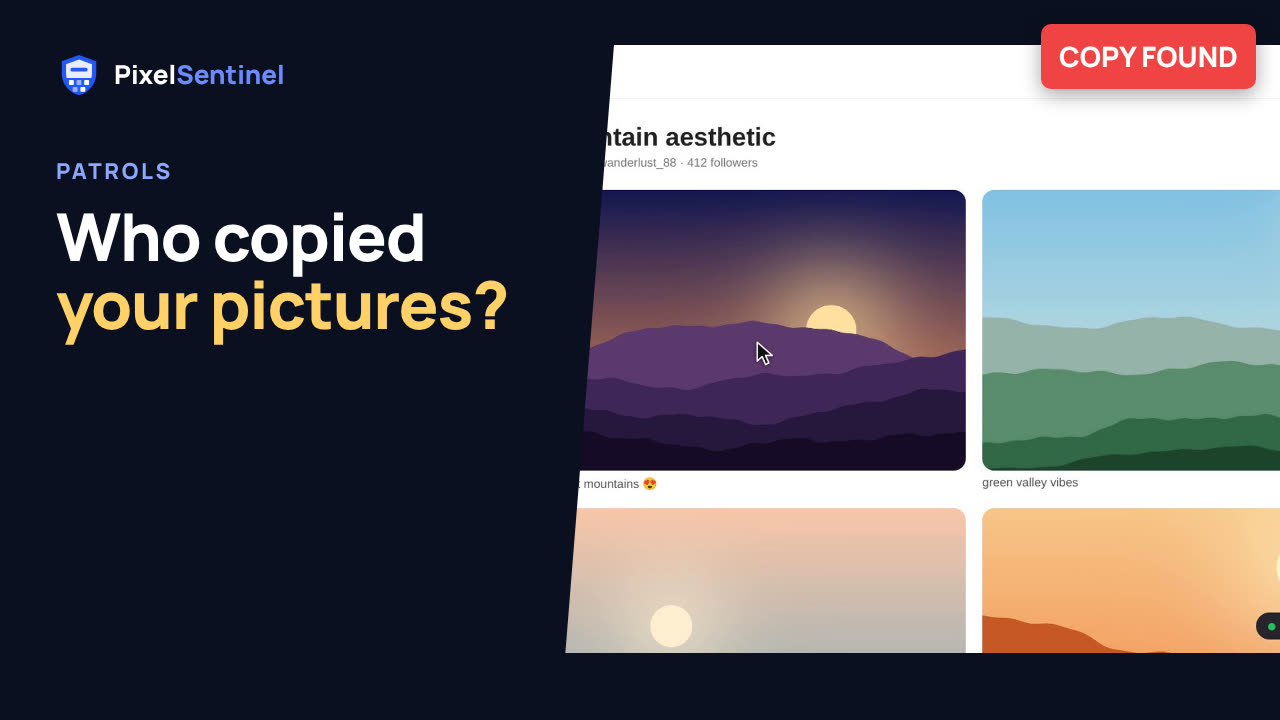
Narrated by an AI voice, with captions. Plays from YouTube when you press play. Watch on YouTube · More on our channel
Find out where your pictures have been copied: repost boards, wallpaper sites, even shops selling prints of them. A Pixel Sentinel patrol searches Google's and TinEye's image indexes for the pictures you choose and reports every copy, with links, how alike it is to your original, where it's hosted and when it was first seen.
Also covered: likely copies (cropped or edited), the takedown notice we write for each copy, "Not a copy", the CSV export, and what a patrol can't find.
Each picture searched counts as one patrol. The free trial includes 2, and every plan adds more each month (Lite 3, Starter 10, Studio 25, Business 80).
Not a customer yet? Get a free "Where are my images?" report on your website: pixelsentinel.net/where-are-my-images
Demo footage uses sample sites and sample copies.
Transcript
0:03 Where copies turn up
Pictures get copied to places you never agreed to: repost boards, wallpaper sites, even print shops selling them. A patrol searches the image indexes of Google and TinEye for your pictures, and tells you where each copy is.
0:18 Pick your pictures
In your dashboard, open the Images tab, and tick the pictures you want to look for.
0:25 Start a patrol
To search, we send a reduced copy of each real picture to those services. It's the one time a real image leaves our servers unprotected, so we ask you every time. Tick the box, and click Start a patrol.
0:39 How patrols are counted
Each picture you search counts as one patrol. The free trial includes two, and every plan adds more each month. A patrol takes a few minutes, and we email you when the report is ready.
0:51 Read the report
The report lists every copy, with links to the page and to the file, how alike it is to your original, which service found it, and when it was first seen.
1:01 Likely copies
A copy that has been cropped or edited is marked as a likely or possible copy, so you can take a look yourself.
1:09 Takedown notice
For each copy, Takedown notice writes the notice to send to that site, and tells you where to send it.
1:15 Not a copy and CSV
Not a copy hides a search result that isn't your picture, and CSV downloads the whole report as a spreadsheet.
1:23 What patrols can't find
Patrols find what those services have indexed. A copy posted recently, or behind a sign-in, may not show up yet, so it's worth patrolling your most valuable pictures every few months.
1:35 Free report
Not a customer yet? Find out where your pictures are with a free report. We search for copies of the pictures on your website, and it costs nothing. Go to pixelsentinel.net/where-are-my-images.
More videos
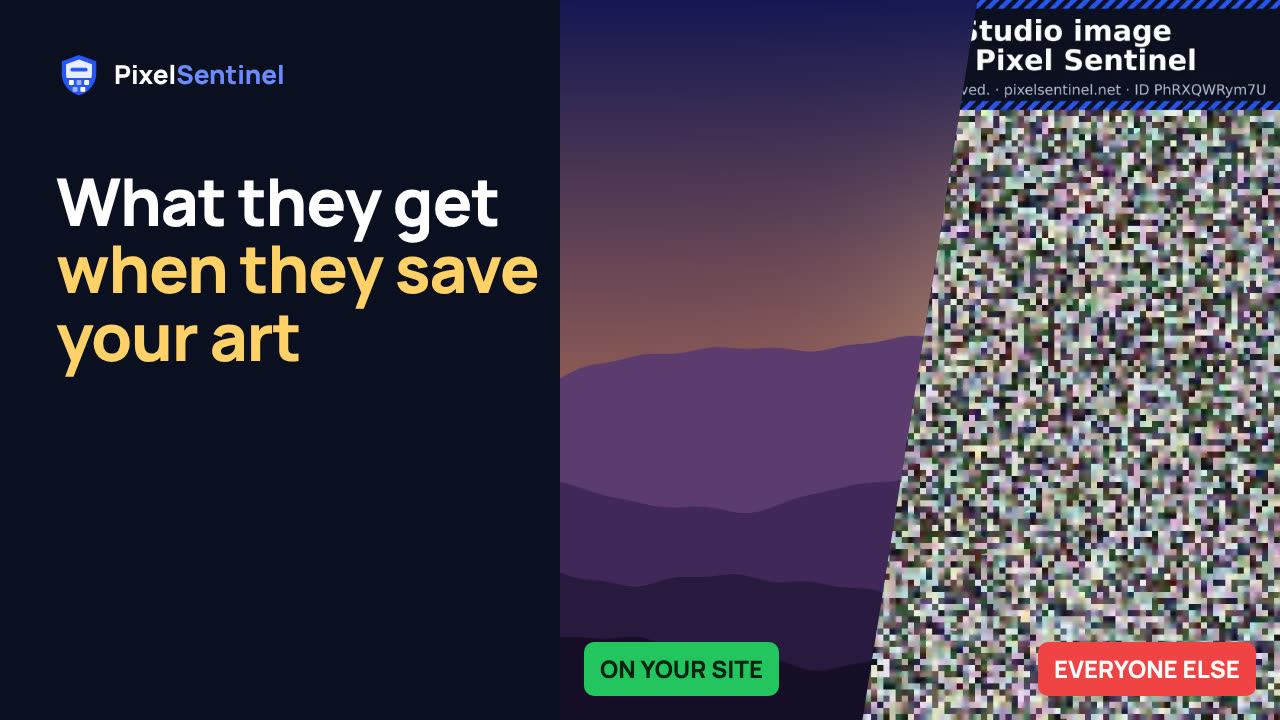 Stop people saving your images: Pixel Sentinel in 90 seconds1:27
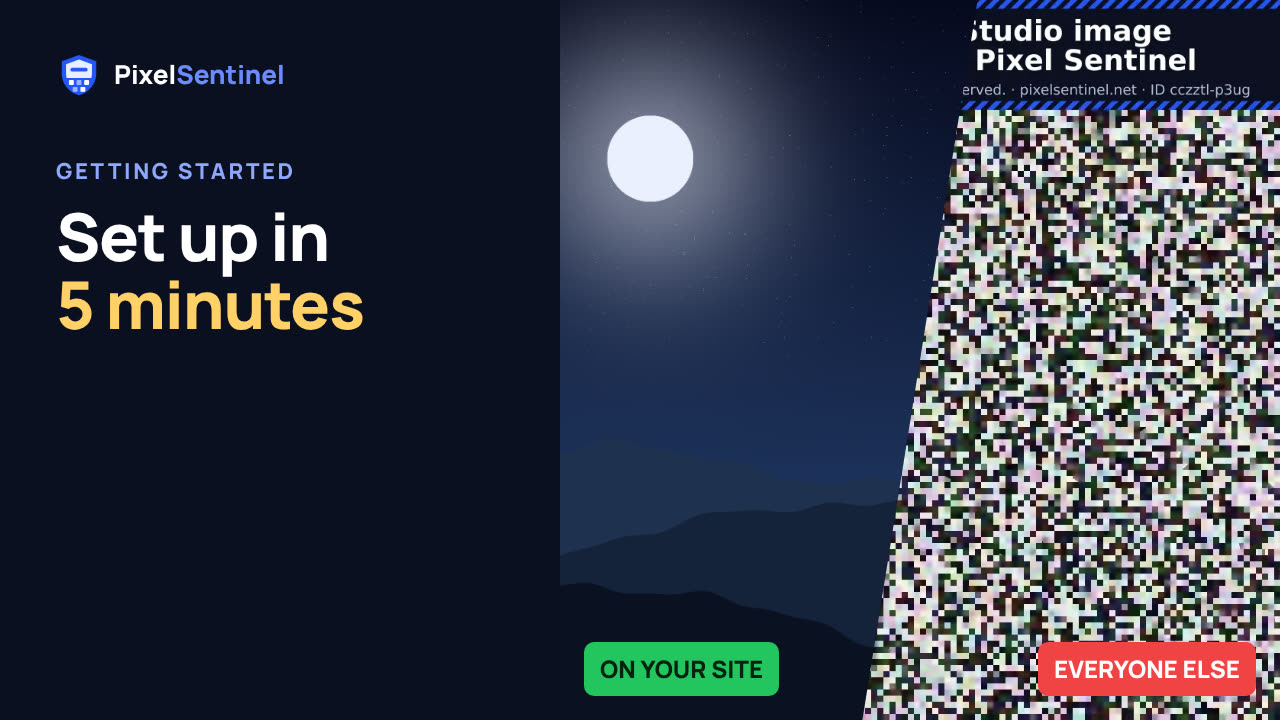 Pixel Sentinel setup: sign up, add your site and protect your first images2:55
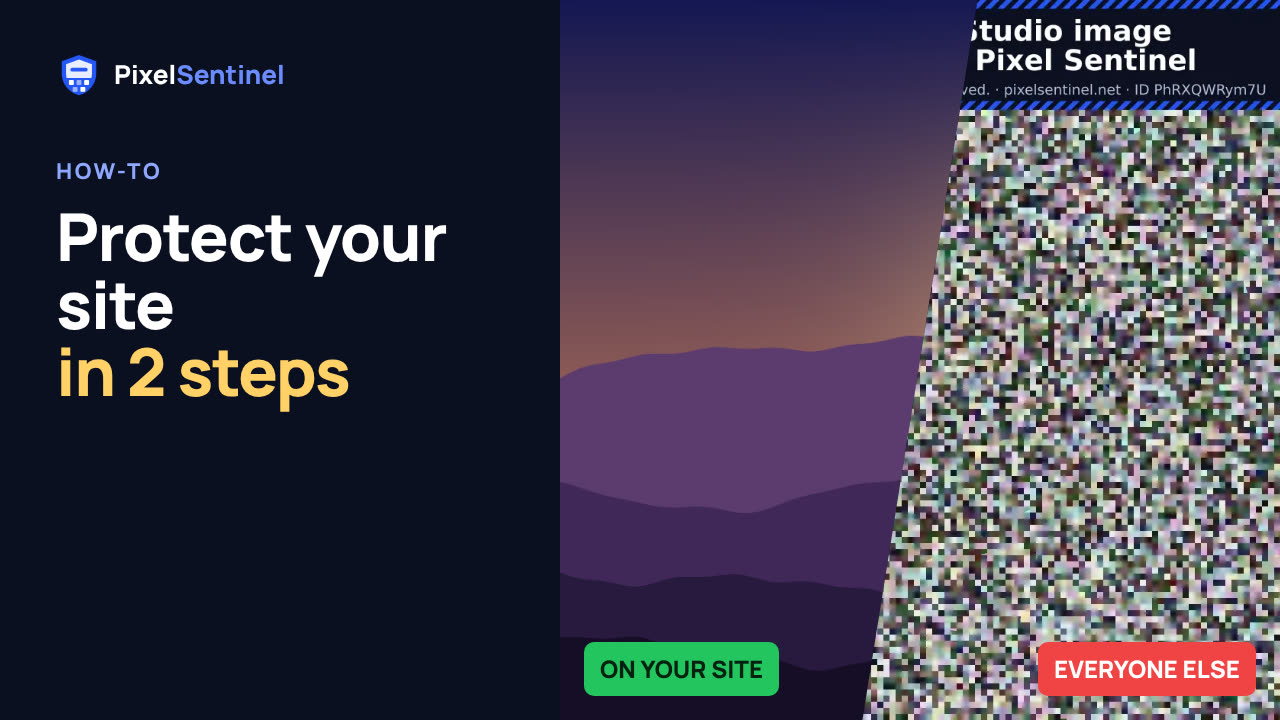 How to protect images on your website from download (2 lines of code)1:35
 How to protect images on WordPress (Pixel Sentinel Image Protection plugin)2:13
 How to protect product photos on Shopify, Etsy, Amazon and eBay1:47
 Post on Instagram, Facebook and Pinterest without giving away your original1:30
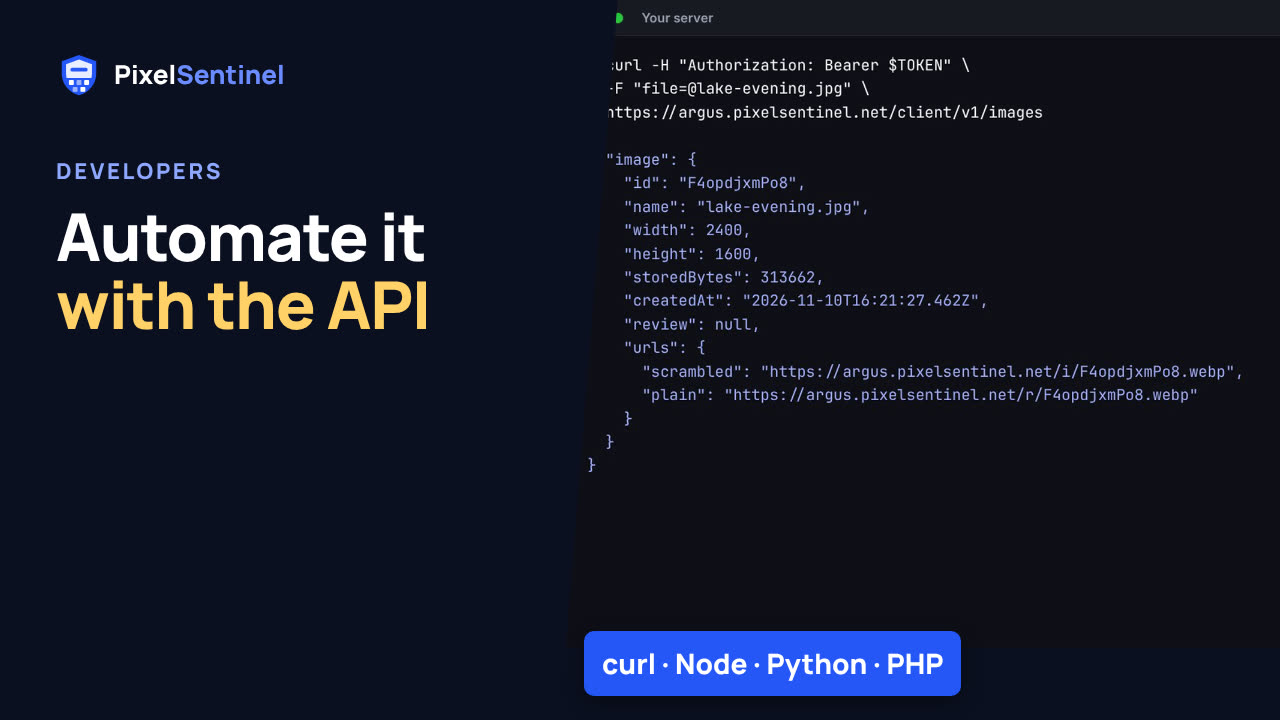 Pixel Sentinel API: upload images and send buyers download links from your server1:41
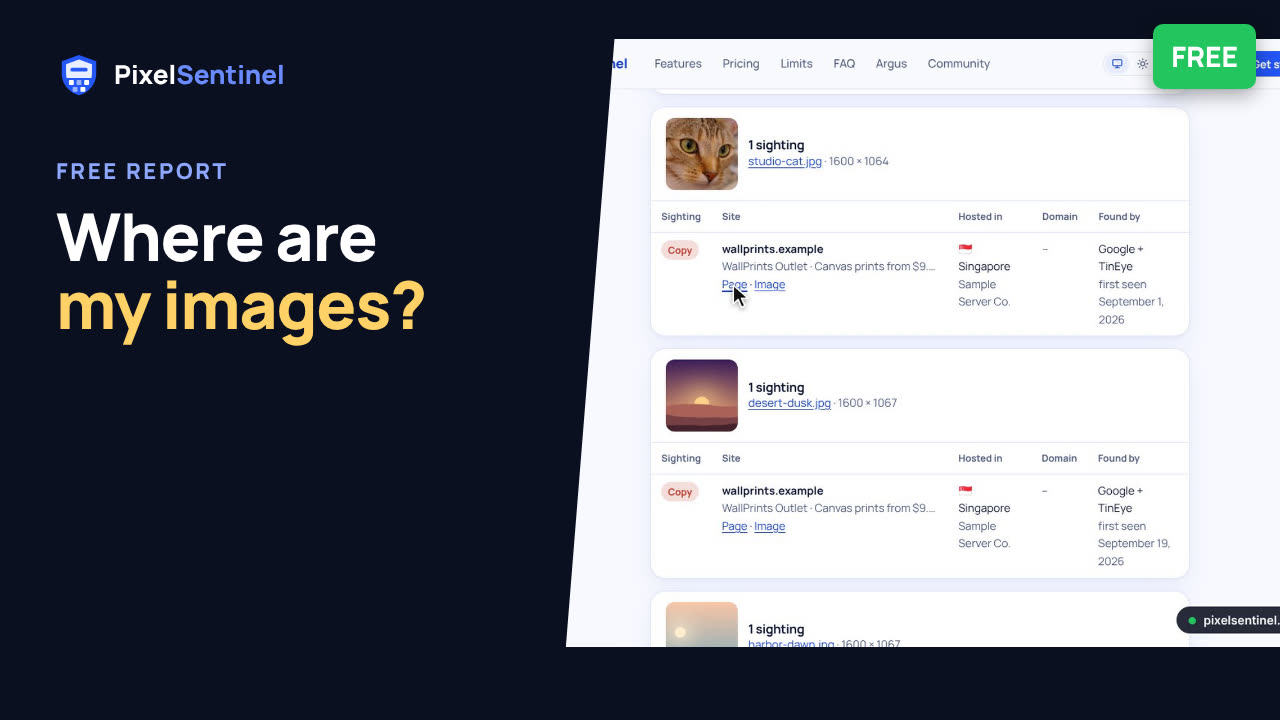 Where are my images? Free report finds copies of the pictures on your website2:07