Post on Instagram, Facebook and Pinterest without giving away your original
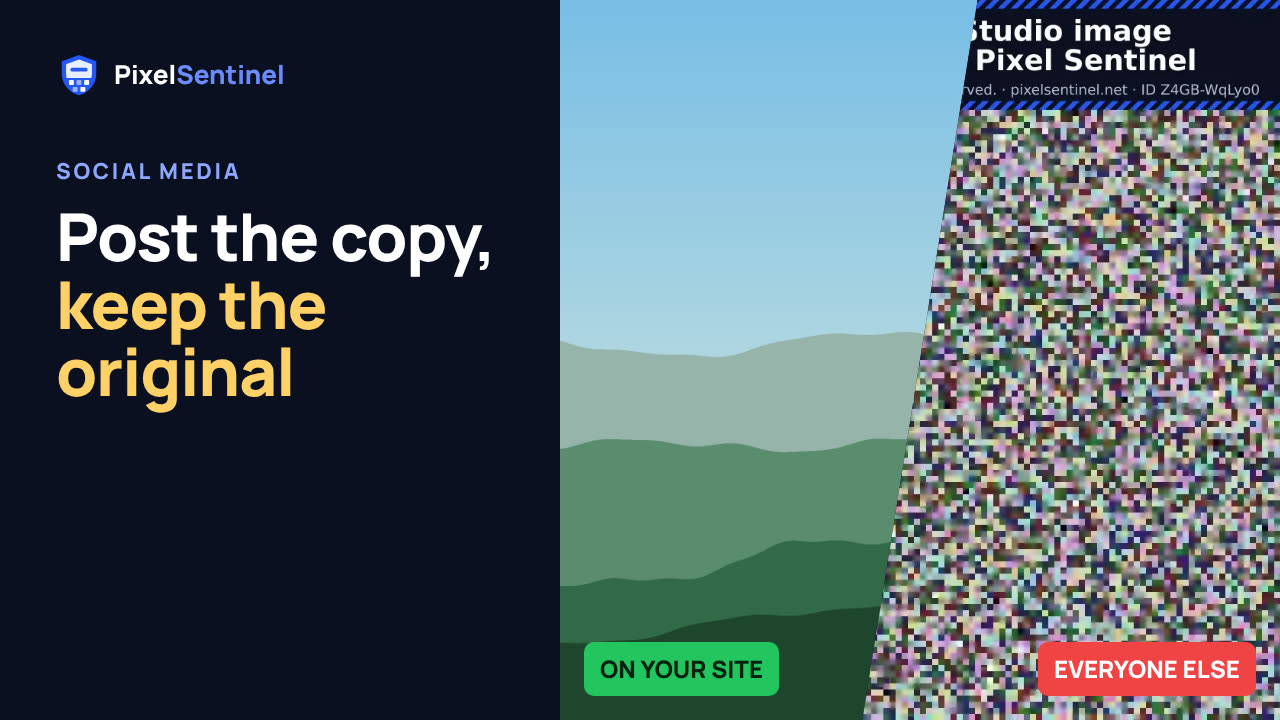
Narrated by an AI voice, with captions. Plays from YouTube when you press play. Watch on YouTube · More on our channel
Social networks keep their own copy of everything you post, so no protection can follow your picture there. What you can control is the file you post.
Pixel Sentinel's "Copy for social media" makes a copy sized for Instagram, Facebook, Pinterest, X, Threads or another site, with your copyright notice inside (and in the corner if you want), and an invisible mark of its own, so a copy found later shows which post it came from. Copies are free and don't use views.
Also: post straight to Pinterest from the dashboard, and why link previews of protected pages need an unprotected share image.
Transcript
0:03 Why social copies matter
Instagram, Facebook, Pinterest, X and Threads keep their own copy of anything you post. No protection can follow your picture there, ours included. What you can control is which file you post.
0:16 Copy for social media
On the Images tab, click Copy for social media in the picture's row, and choose where you'll post it.
0:23 Sized for the platform
The copy is made only as large as that platform shows. So your full-resolution original never leaves your hands.
0:30 Copyright notice
Your copyright notice is written inside the file, and you can show it in the corner of the picture too.
0:37 Invisible mark per post
Download the copy and post that file. Each platform's copy carries its own invisible mark. If your picture turns up somewhere else, a trace or a patrol tells you which post it was taken from, so make a separate copy for each platform.
0:52 Post to Pinterest
On Pinterest, you can skip the download. Connect Pinterest to your account, and post the protected copy straight to a board from your dashboard. Only the protected copy is ever posted, never your original.
1:06 Link previews
One more tip. When you share a link to your own page, the preview picture is fetched by a bot, so it shows the scrambled copy. Set your page's share image to an unprotected picture, like a small teaser.
1:19 Wrap-up
Anyone can still screenshot what you post. So keep your best, full-size work on your own protected site, and link to it from your posts.
More videos
 Stop people saving your images: Pixel Sentinel in 90 seconds1:27
 Pixel Sentinel setup: sign up, add your site and protect your first images2:55
 How to protect images on your website from download (2 lines of code)1:35
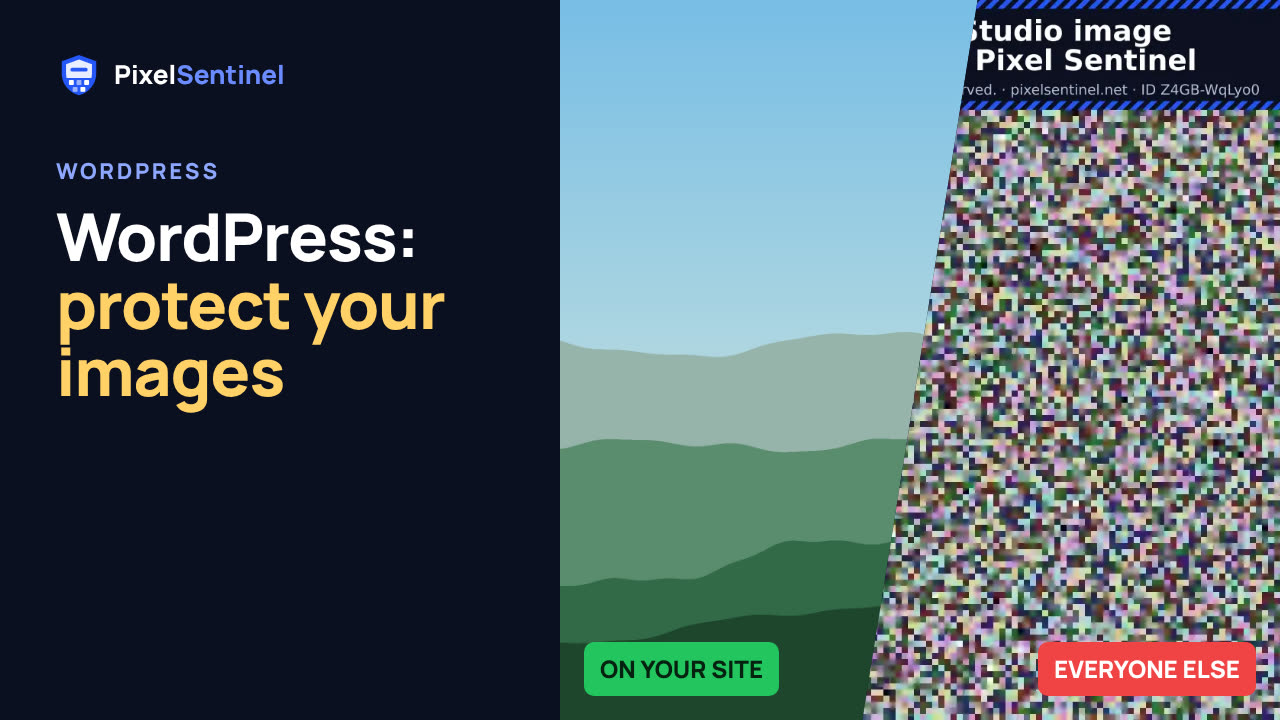 How to protect images on WordPress (Pixel Sentinel Image Protection plugin)2:13
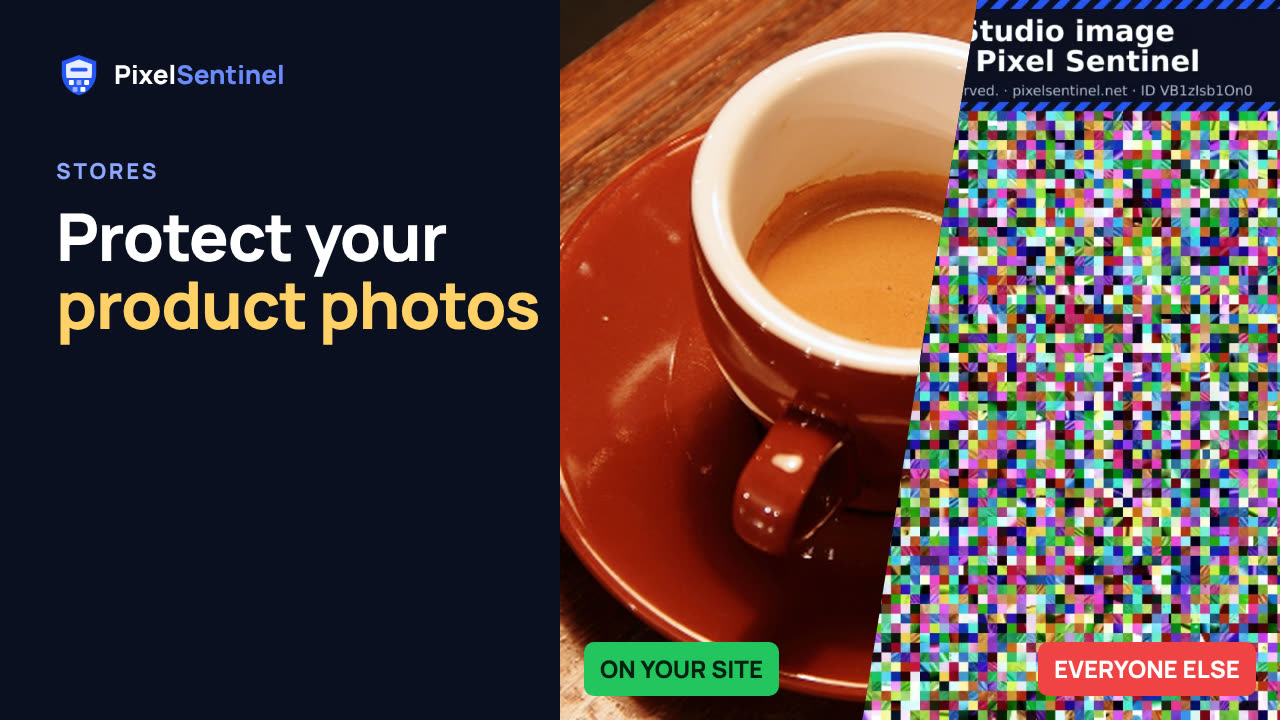 How to protect product photos on Shopify, Etsy, Amazon and eBay1:47
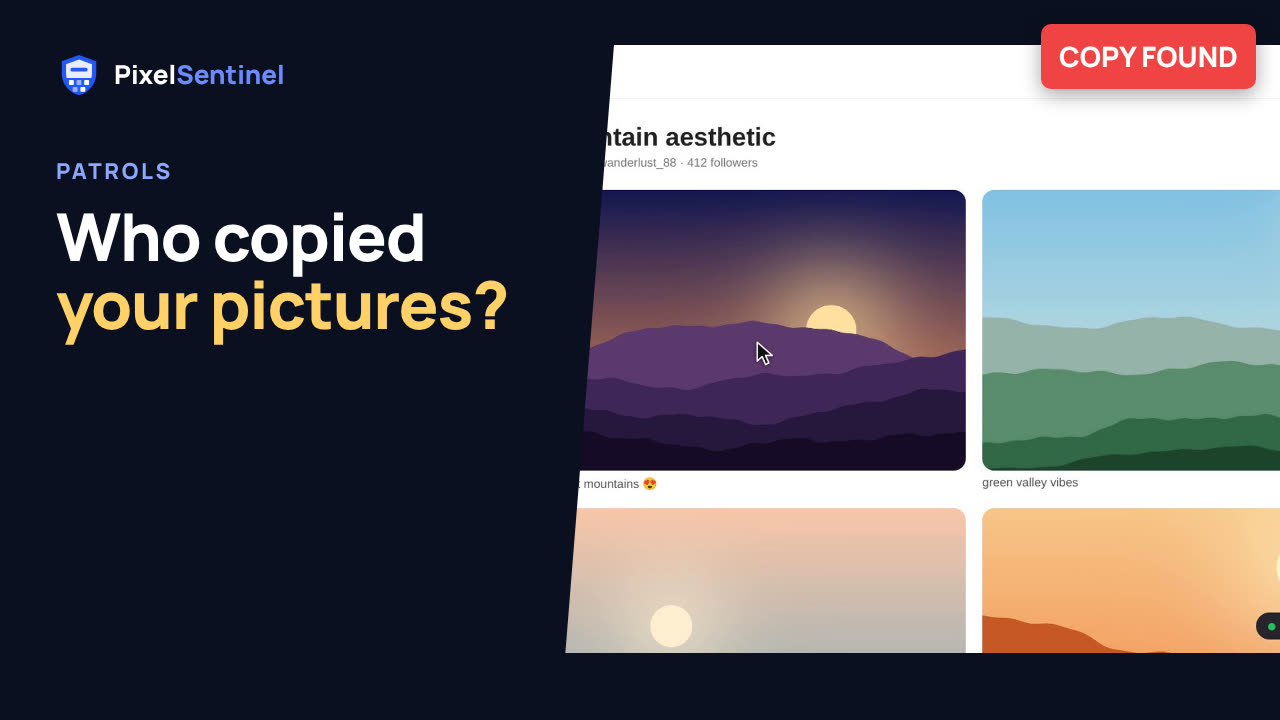 How to find copies of your photos and art on the web (Pixel Sentinel patrols)1:51
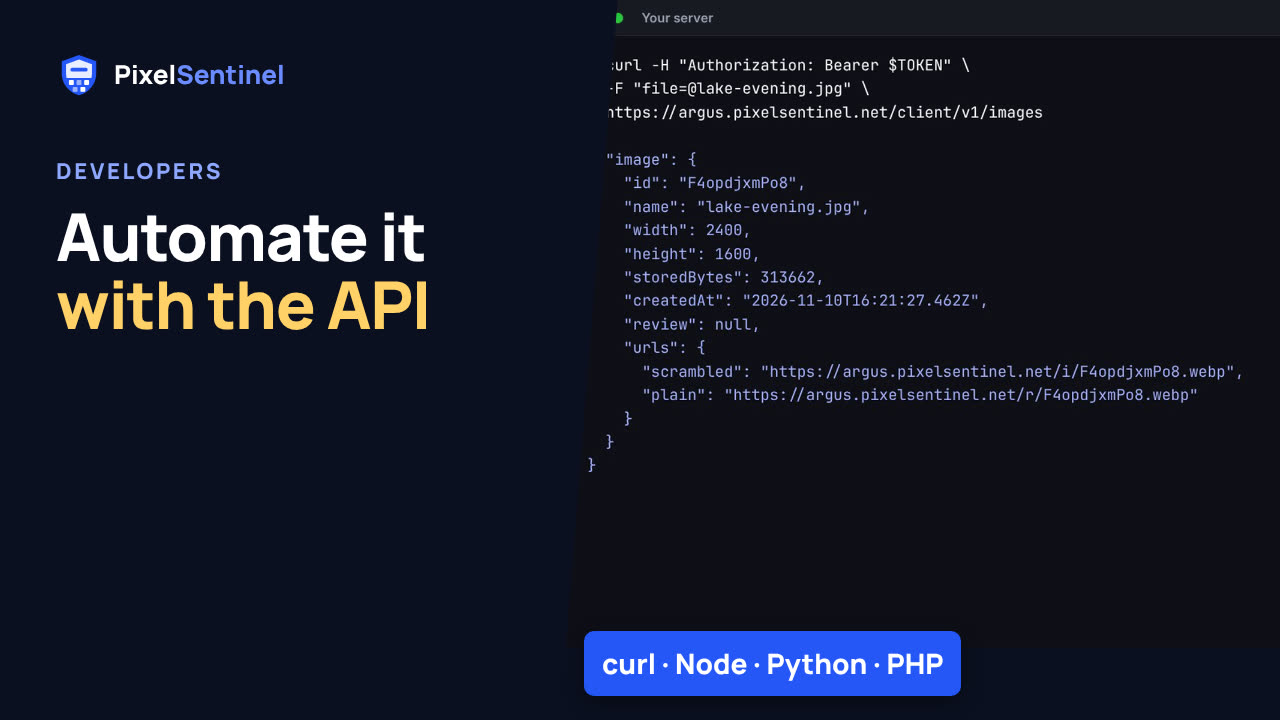 Pixel Sentinel API: upload images and send buyers download links from your server1:41
 Where are my images? Free report finds copies of the pictures on your website2:07