How to protect images on your website from download (2 lines of code)
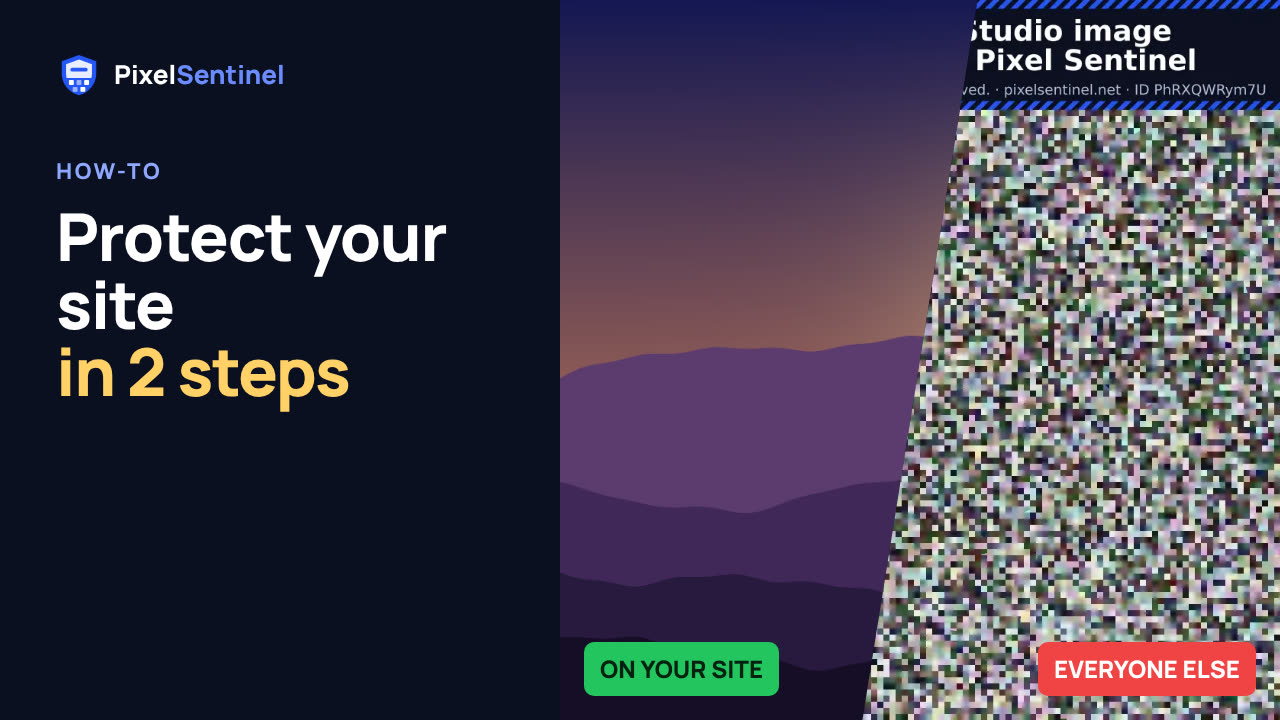
Narrated by an AI voice, with captions. Plays from YouTube when you press play. Watch on YouTube · More on our channel
Add the Pixel Sentinel loader to the head of your pages once, then paste each picture's script embed where it should appear. Visitors see the real picture; "Save image as", other sites, image search and bots get a scrambled copy.
Also covered: why you should delete old originals from your server, the safety check that finds them, and the plain <img> tag for places that don't allow scripts.
Works with hand-built sites and builders that allow header code (Squarespace Code Injection, Webflow head code and others). Features and platform notes: pixelsentinel.net/features
Transcript
0:03 Copy the loader
To protect the images on your own website, you add two things: the loader, once, in the head of your pages, and an image tag wherever a picture goes. Start on the Your site tab, and copy the loader.
0:15 Paste it in the head
Paste it into the head section of your page template, so it is on every page that shows protected images. Website builders have a setting for this, usually called header code or code injection.
0:27 Copy the script embed
Then, on the Images tab, copy the script embed for a picture.
0:33 Replace your image tag
Paste it where the picture should appear, in place of your old image tag. Then publish the page.
0:39 The result
Visitors on your site see the real picture. Open the same image address on its own, and you get the scrambled copy. That is what downloads, other websites, image search and bots get.
0:52 Remove old originals
One more step matters. Delete the old originals from your media library or web server. While an original is still there, anyone with its old address can download it.
1:03 Safety check
The safety check on the Your site tab looks for leftovers like this. You prove the site is yours with a DNS record, and it lists files that show a protected picture without protection, and pages that are missing the loader.
1:17 Places without scripts
Some places don't allow scripts, like some store builders and forums. There, use the plain image tag instead. It still stops other sites, image search and bots. And for WordPress, there is a plugin that does all of this for you. That's in the next video.
More videos
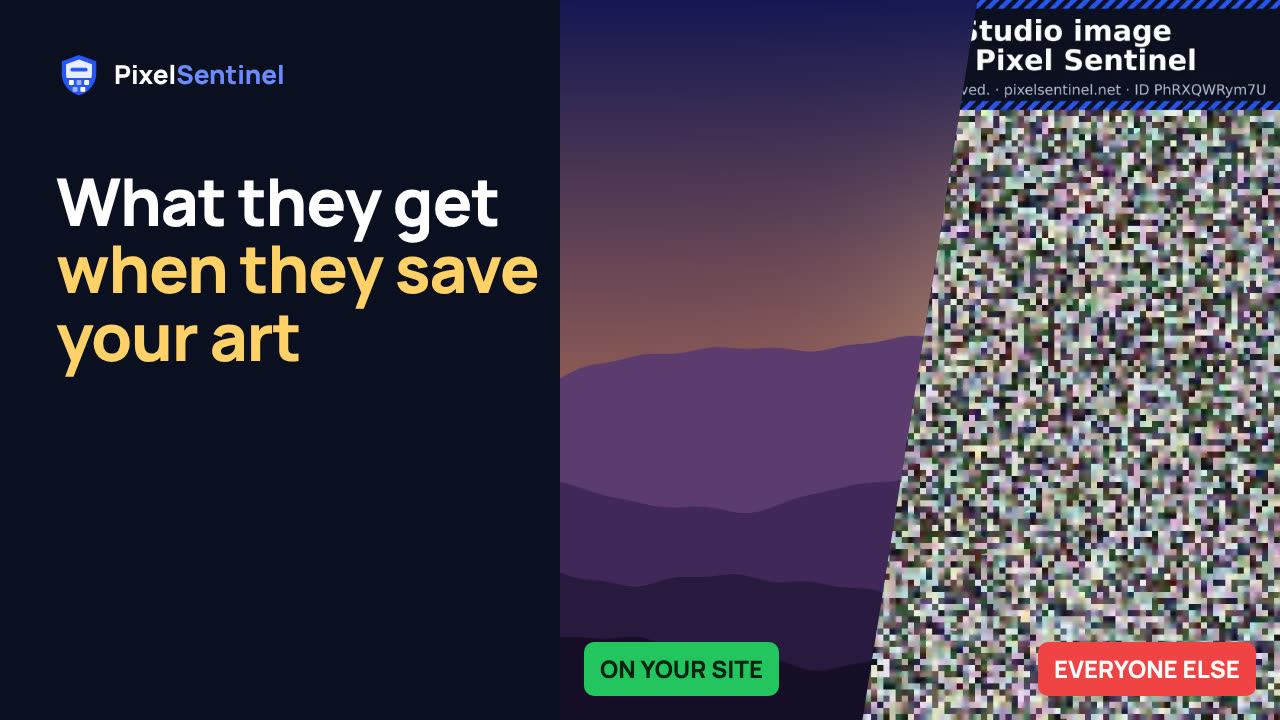 Stop people saving your images: Pixel Sentinel in 90 seconds1:27
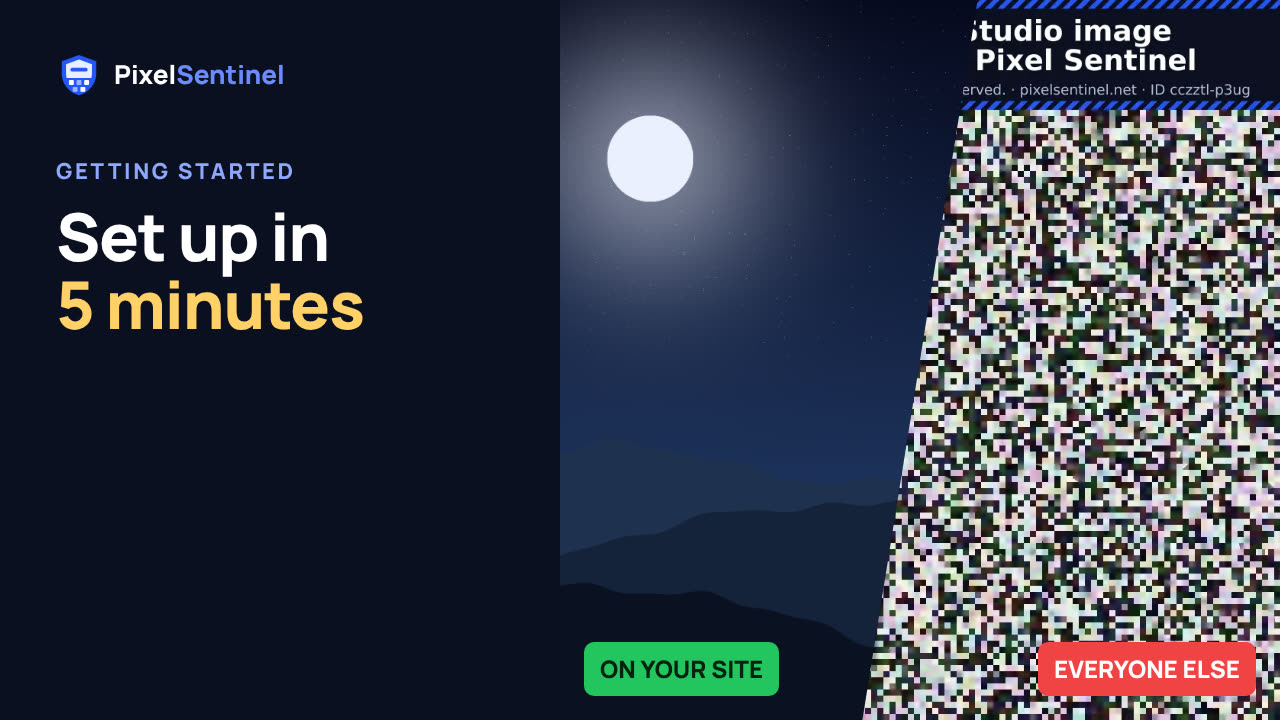 Pixel Sentinel setup: sign up, add your site and protect your first images2:55
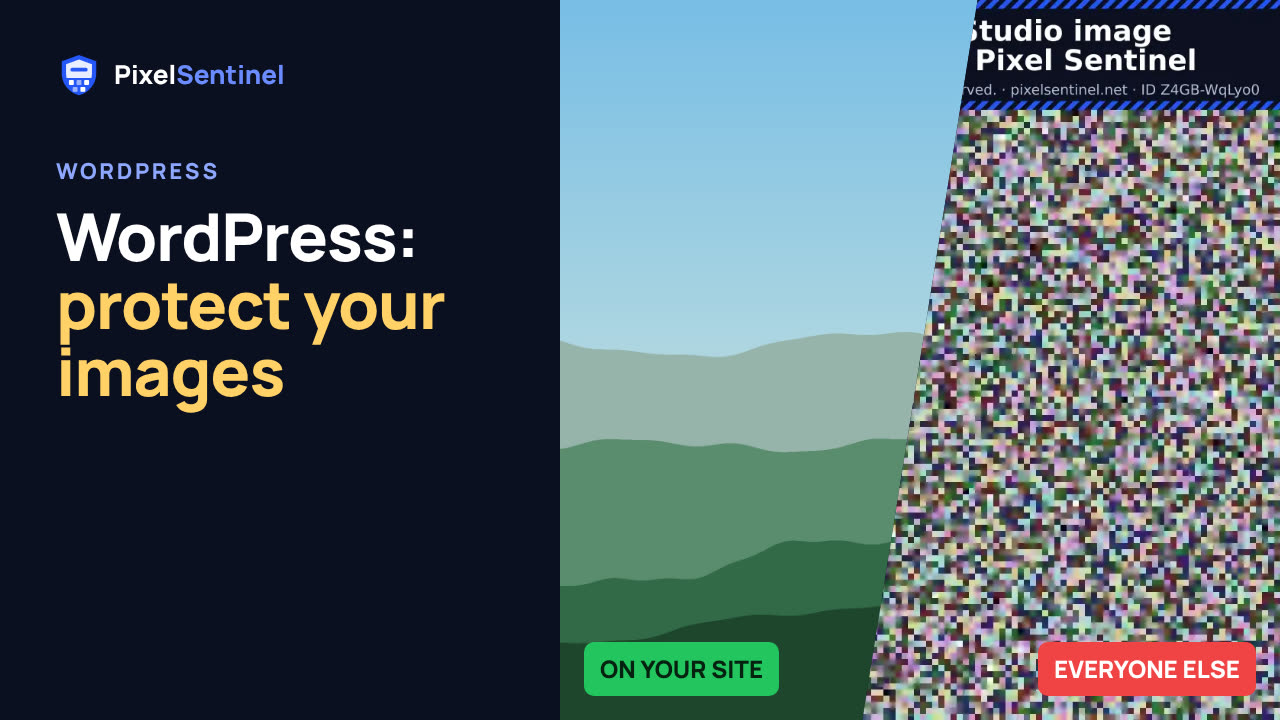 How to protect images on WordPress (Pixel Sentinel Image Protection plugin)2:13
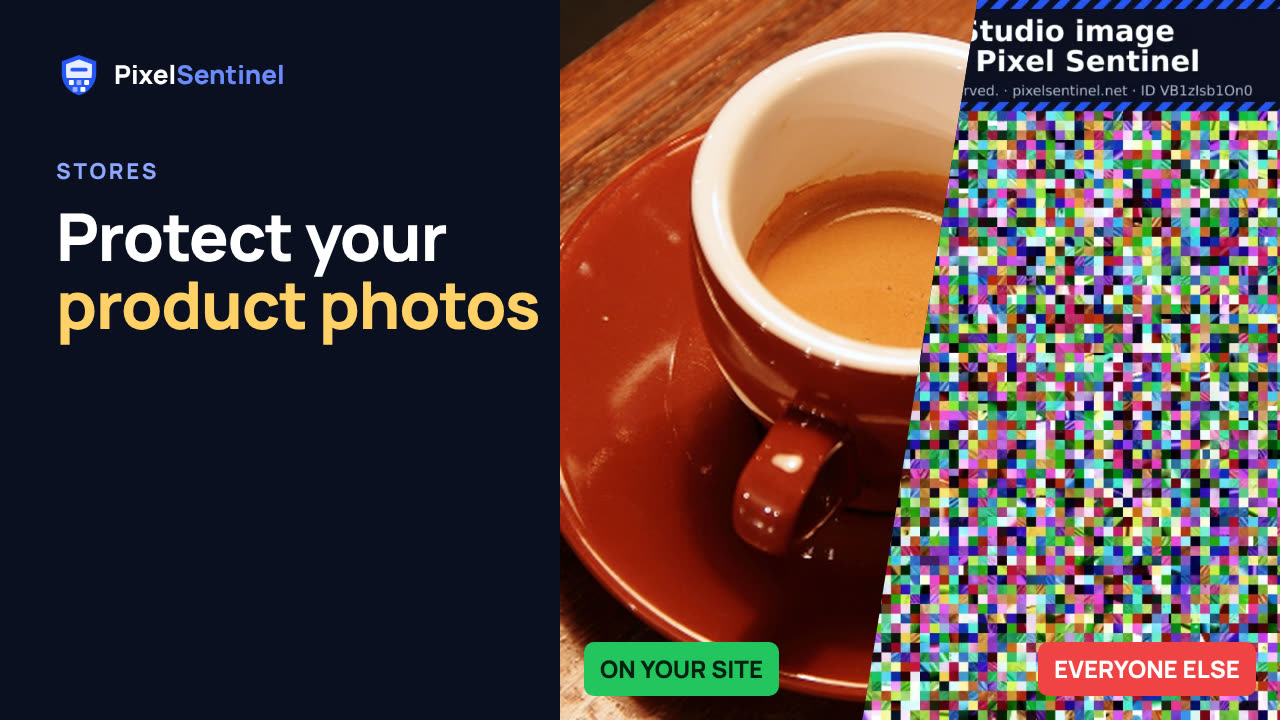 How to protect product photos on Shopify, Etsy, Amazon and eBay1:47
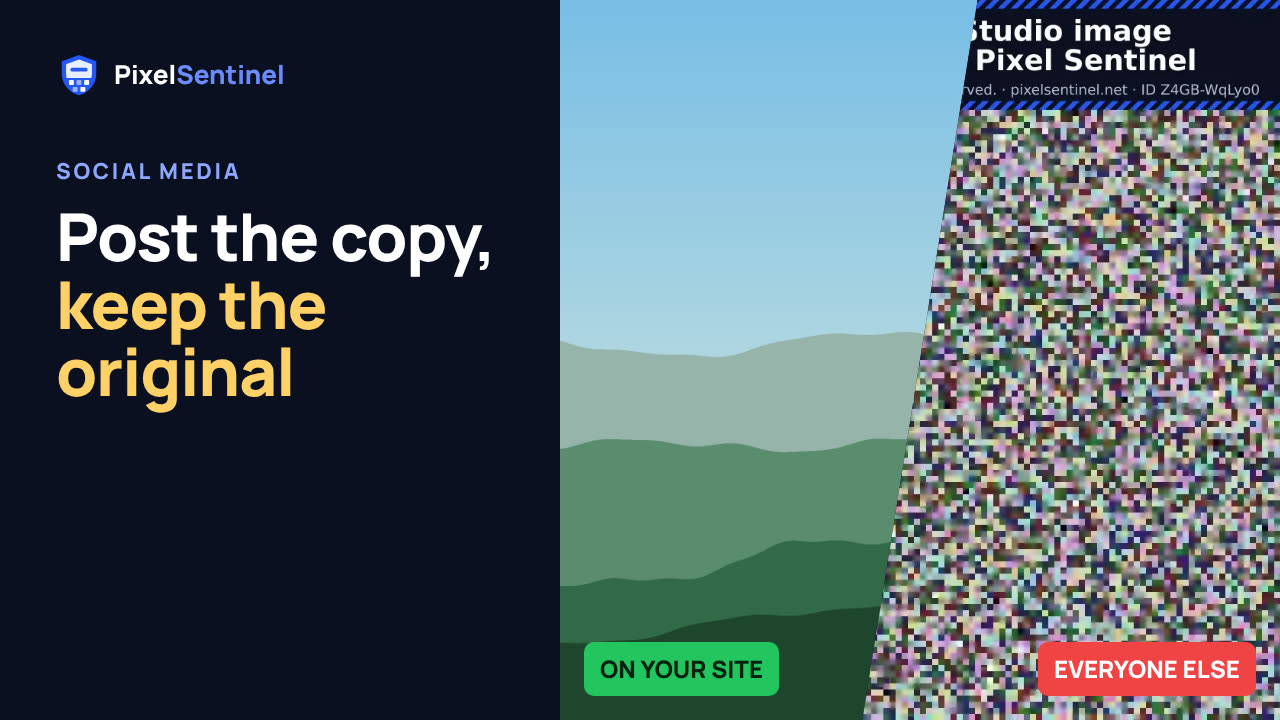 Post on Instagram, Facebook and Pinterest without giving away your original1:30
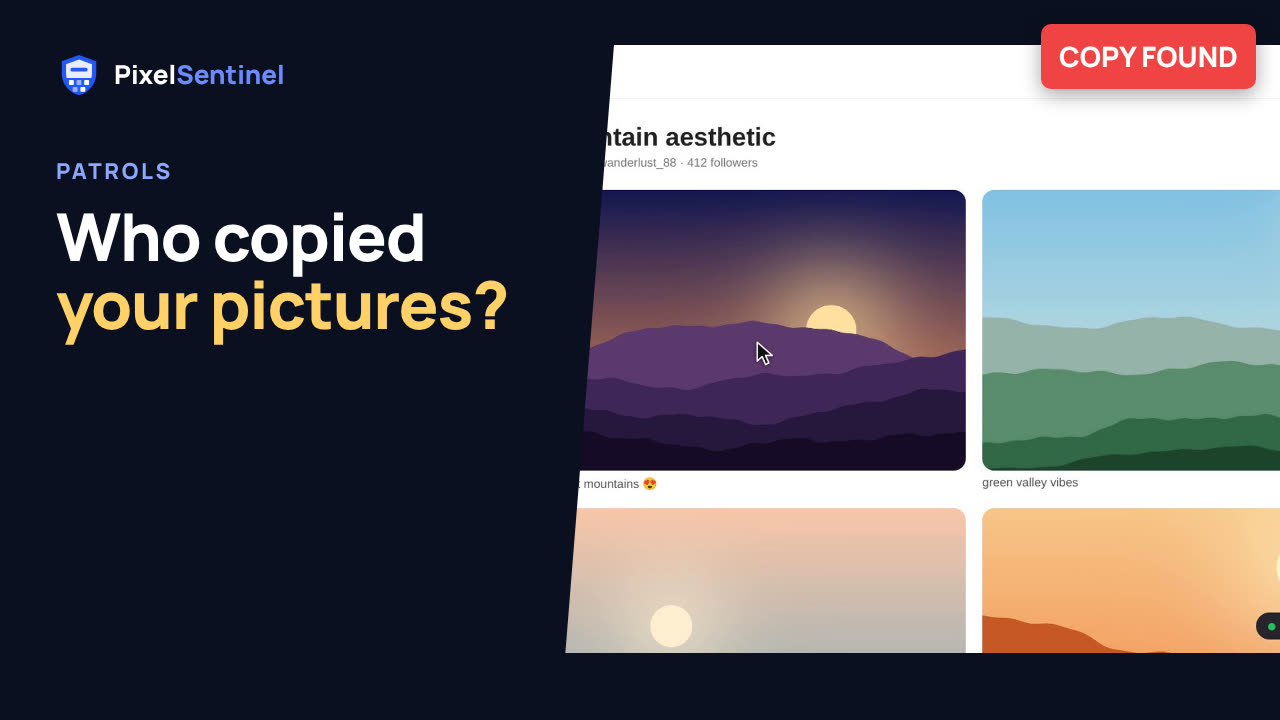 How to find copies of your photos and art on the web (Pixel Sentinel patrols)1:51
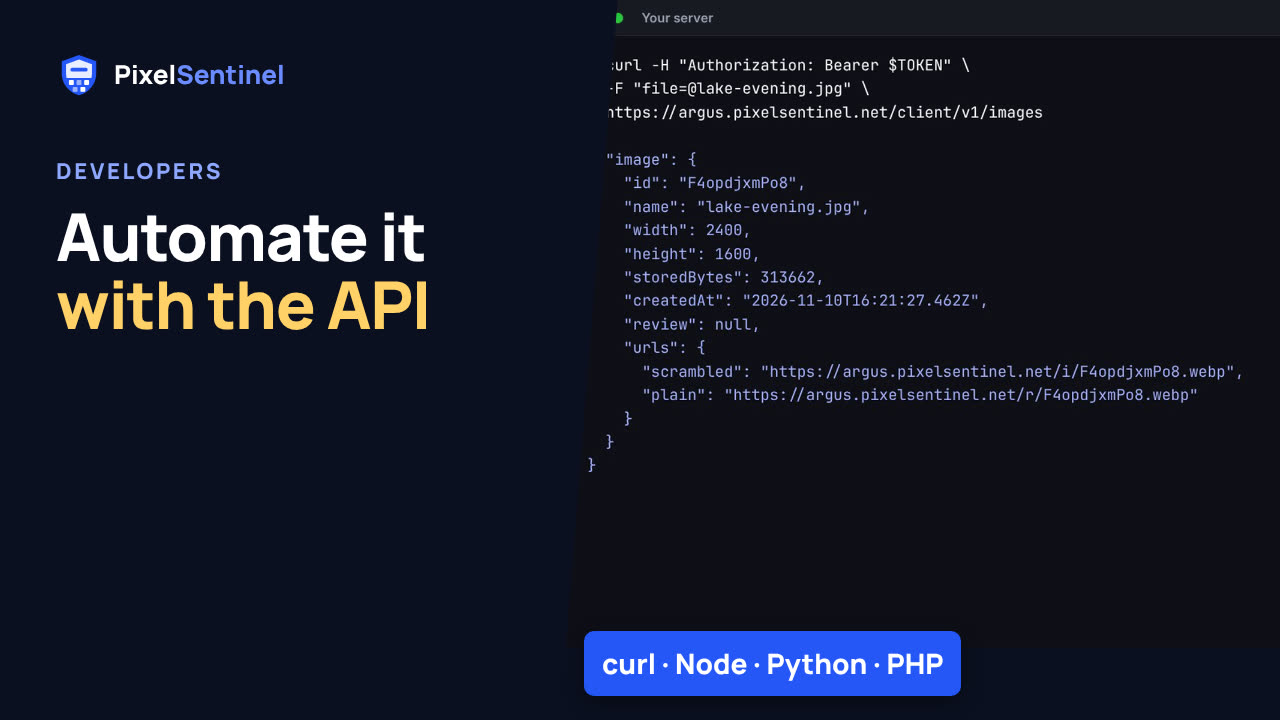 Pixel Sentinel API: upload images and send buyers download links from your server1:41
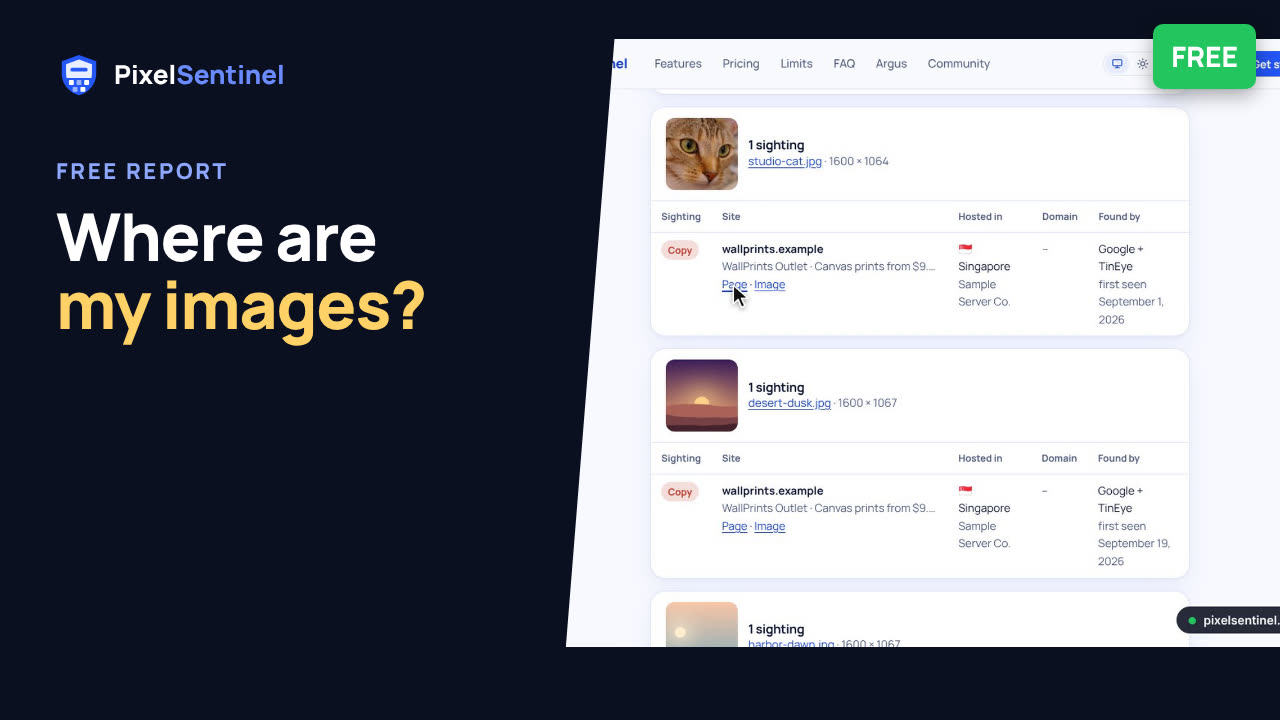 Where are my images? Free report finds copies of the pictures on your website2:07