Where are my images? Free report finds copies of the pictures on your website
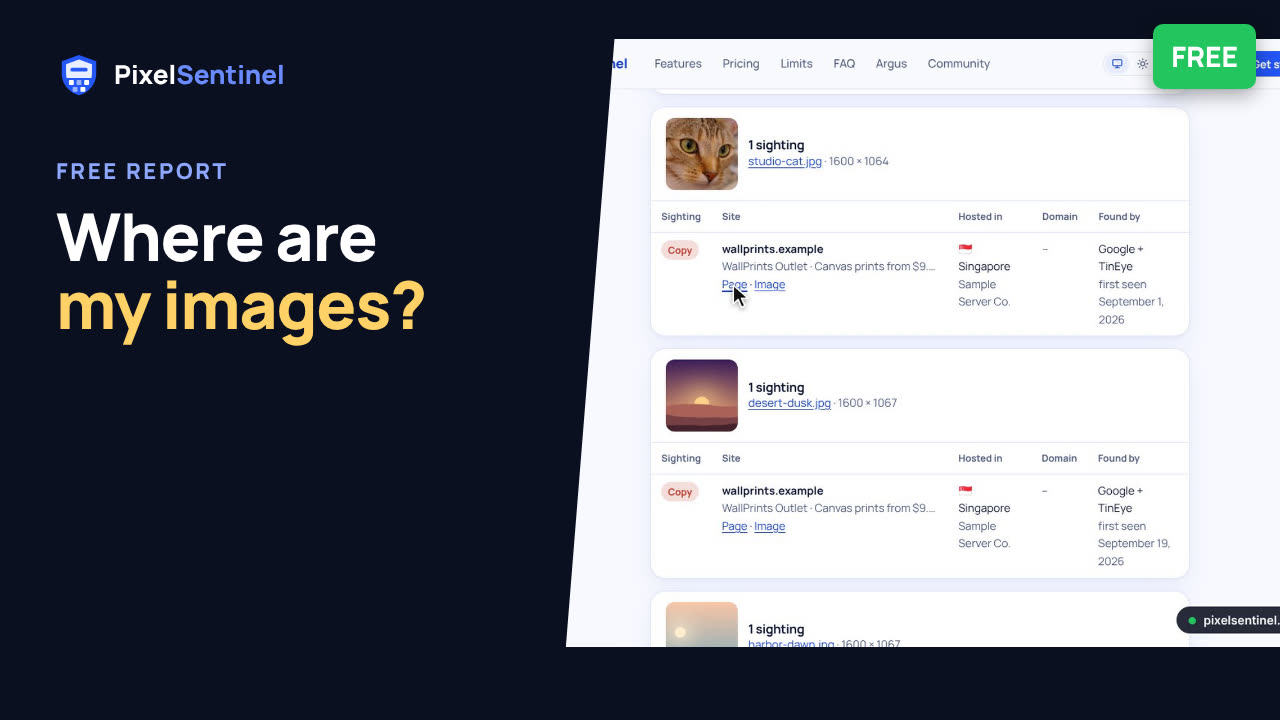
Narrated by an AI voice, with captions. Plays from YouTube when you press play. Watch on YouTube · More on our channel
Find out where the photos and artwork on your website have been copied or hotlinked, free. Enter your site and email, prove the site is yours with a DNS TXT record, and we read up to 12 public pages, choose up to 50 pictures and search Google and TinEye for copies of each. The report shows every copy with links, where it's hosted and when it was first seen.
One free report per website, no account needed. Rather check particular pictures? Create a free trial account and upload up to 5.
Get your free report: pixelsentinel.net/where-are-my-images
Demo footage uses a sample website and sample copies.
Transcript
0:03 The free report
Want to know where your pictures have ended up? The free "Where are my images?" report searches the web for copies of the pictures on your website. It costs nothing, and you don't need an account.
0:14 Enter your site
Choose Check my website. Enter your site's address and your email address, and tick the box to confirm the site is yours.
0:23 Confirm your email
Click Email me the link. We send you a link to carry on, so we know the address is really yours.
0:29 The DNS record
The link opens a page with a DNS record to add. It shows the site is yours, so nobody can run a report on someone else's site, and it doesn't change anything about your website or email.
0:42 Add it to your domain
Add it where you manage your domain: your registrar, Cloudflare, or your website builder's domain settings. It's a TXT record named _pixelsentinel, with the value from the page.
0:55 Check the record
Back on the page, click Check the record. Once we can see it, the report starts.
1:00 While it runs
We read up to twelve public pages, choose up to fifty of your photos and artwork, and search Google and TinEye for copies of each. It usually takes ten to thirty minutes, and we email you when it's ready.
1:17 Your report
The report shows how many copies were found, on how many sites, and where in the world they're hosted.
1:24 Every copy, with links
Then, for each picture, every copy, with links to the page and to the file, and when it was first seen.
1:38 Check 5 pictures instead
You get one free report for each website. Would you rather check particular pictures? Create a free trial account, and upload up to five.
1:47 Protect your pictures
Found copies? Pixel Sentinel shows your real pictures only on your own site. Everyone else gets a scrambled copy with your name on it, and every plan searches for new copies each month.
1:59 Get your report
Get your free report at pixelsentinel.net/where-are-my-images.
More videos
 Stop people saving your images: Pixel Sentinel in 90 seconds1:27
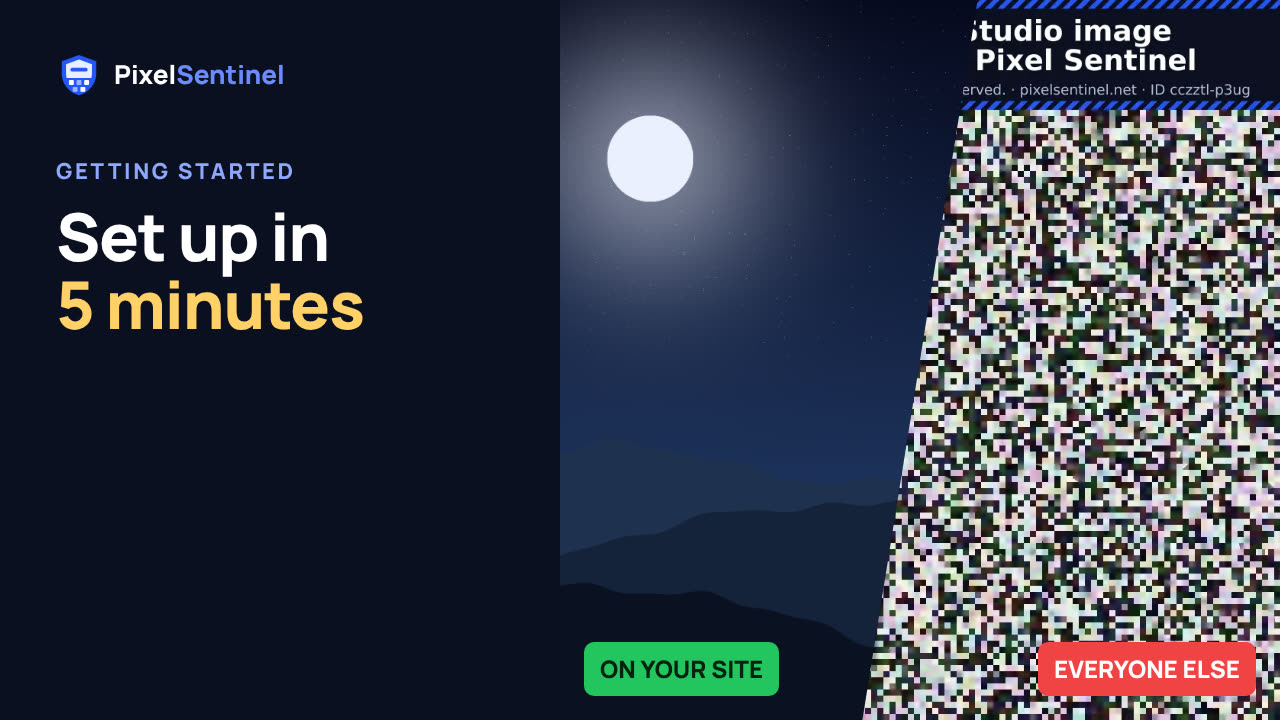 Pixel Sentinel setup: sign up, add your site and protect your first images2:55
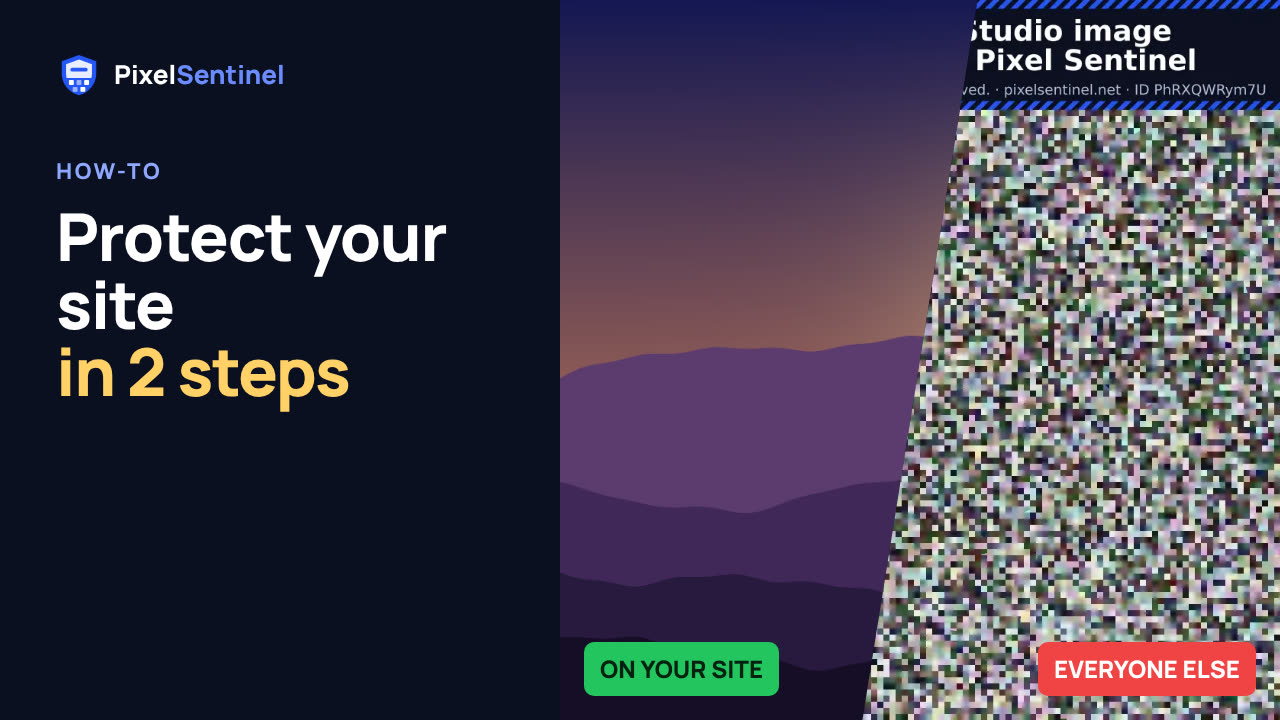 How to protect images on your website from download (2 lines of code)1:35
 How to protect images on WordPress (Pixel Sentinel Image Protection plugin)2:13
 How to protect product photos on Shopify, Etsy, Amazon and eBay1:47
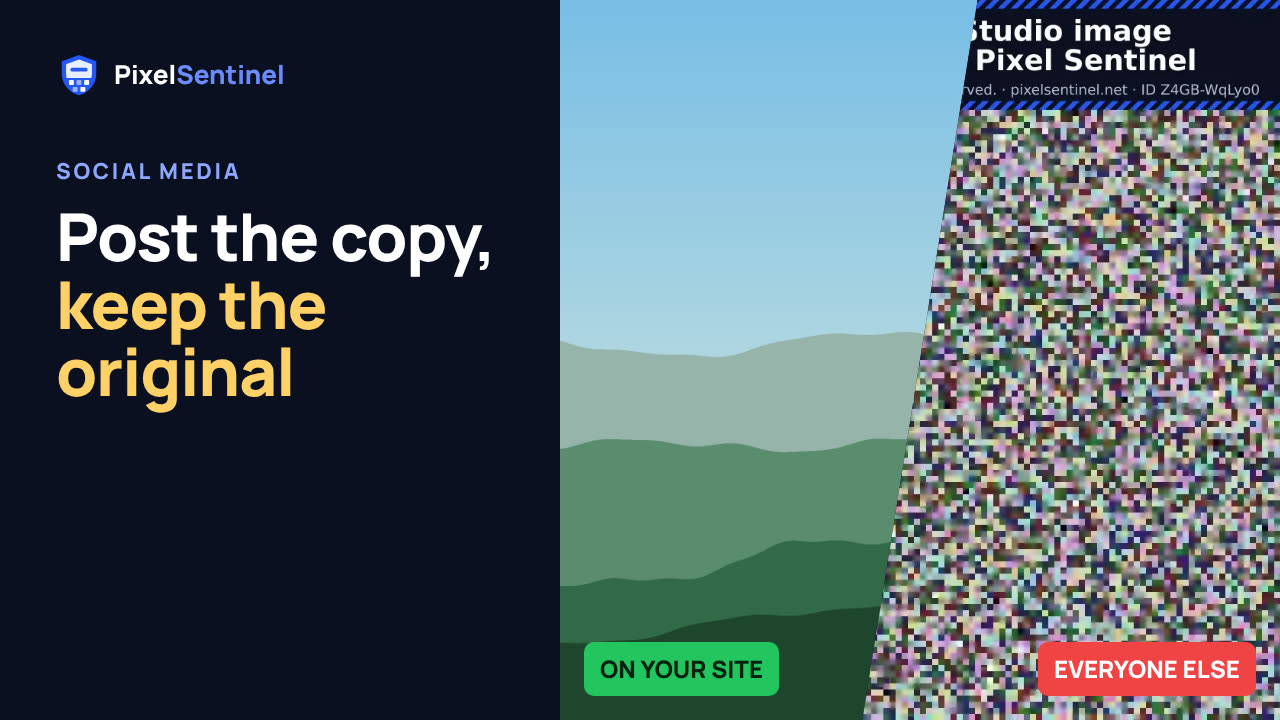 Post on Instagram, Facebook and Pinterest without giving away your original1:30
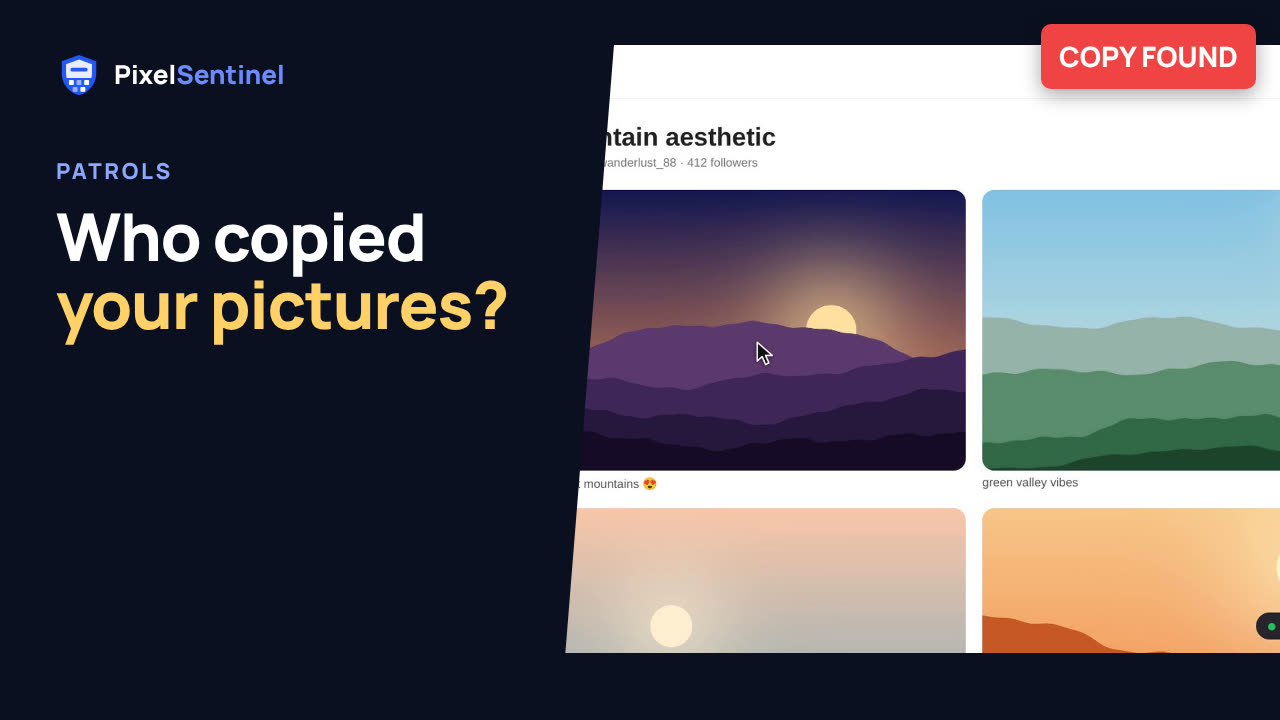 How to find copies of your photos and art on the web (Pixel Sentinel patrols)1:51
 Pixel Sentinel API: upload images and send buyers download links from your server1:41