Pixel Sentinel API: upload images and send buyers download links from your server
Narrated by an AI voice, with captions. Plays from YouTube when you press play. Watch on YouTube · More on our channel
Use the Pixel Sentinel API from your own server: create an API client in the dashboard, swap its ID and secret for a token (OAuth 2.0 client credentials), upload images, and create expiring download links for buyers. Each link's downloads carry their own invisible watermark, so a leaked copy can be traced to the order.
The API also lists and deletes images, changes your approved sites, reads your traffic report and runs patrols. Full reference (sign in first): pixelsentinel.net/api/docs
Not a customer yet? Get a free "Where are my images?" report on your website: pixelsentinel.net/where-are-my-images
Transcript
0:03 What the API does
The Pixel Sentinel API lets your own server do what you'd do in the dashboard: upload and delete images, create download links for buyers, change your approved sites, read your traffic, and run patrols.
0:16 Create an API client
Open the API tab, and create a client. Give it a name, and tick only what it needs. For a shop that uploads pictures and sends buyers their files, add upload and delete images, and create download links.
0:31 Client ID and secret
Copy the client ID and the secret. The secret is shown once. Keep it on your server, never in a web page or an app.
0:39 Get a token
On your server, swap them for a token. A token lasts an hour, so ask for a new one when it runs out.
0:46 Upload an image
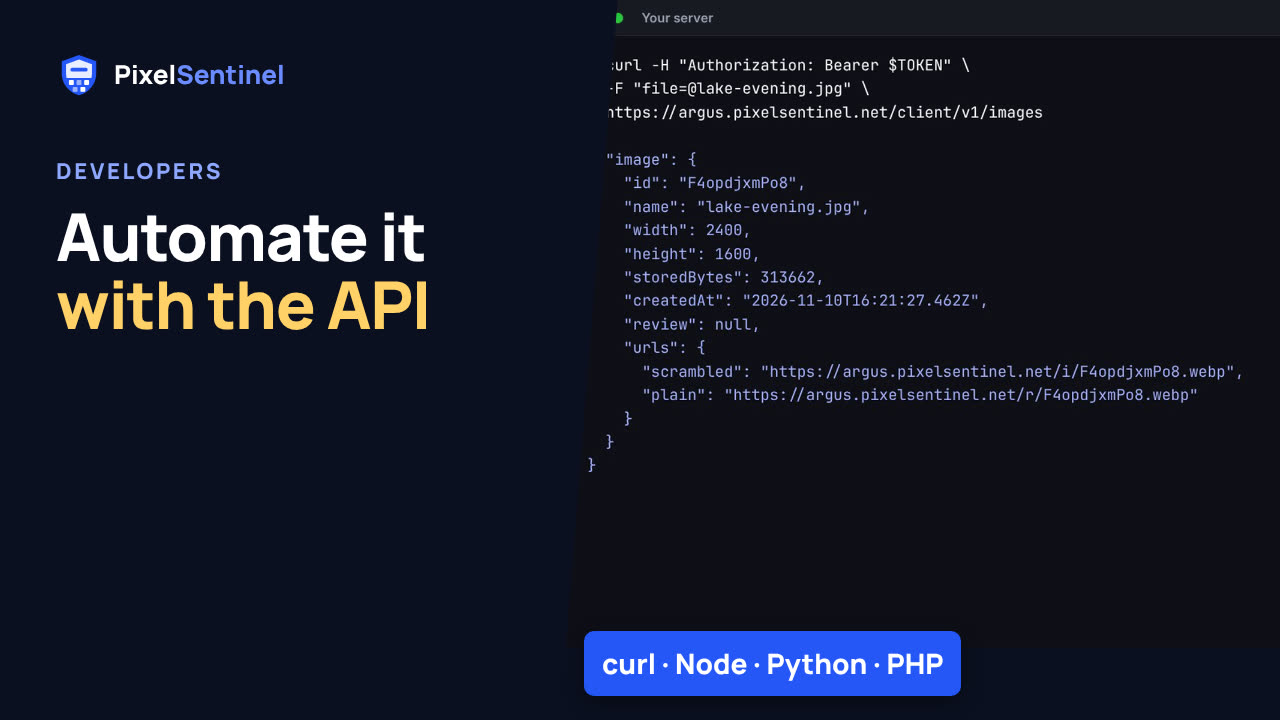
Send the token with each call. Upload a picture, and the answer gives you its ID and its protected addresses, ready to use in your pages.
0:56 Download links for buyers
When someone buys a print or a license, create a download link for the full-size file, and email it to them. You choose when it expires, and each link's downloads carry their own invisible watermark, so a copy that leaks can be traced to the order.
1:11 API reference
The full reference, with every endpoint, is at pixelsentinel.net/api/docs, once you're signed in. The help center has the same steps in Node, Python, PHP, Ruby, Go, Java and C#.
1:26 Free report
Not a customer yet? Find out where your pictures are with a free report. We search for copies of the pictures on your website, and it costs nothing. Go to pixelsentinel.net/where-are-my-images.
More videos
 Stop people saving your images: Pixel Sentinel in 90 seconds1:27
 Pixel Sentinel setup: sign up, add your site and protect your first images2:55
 How to protect images on your website from download (2 lines of code)1:35
 How to protect images on WordPress (Pixel Sentinel Image Protection plugin)2:13
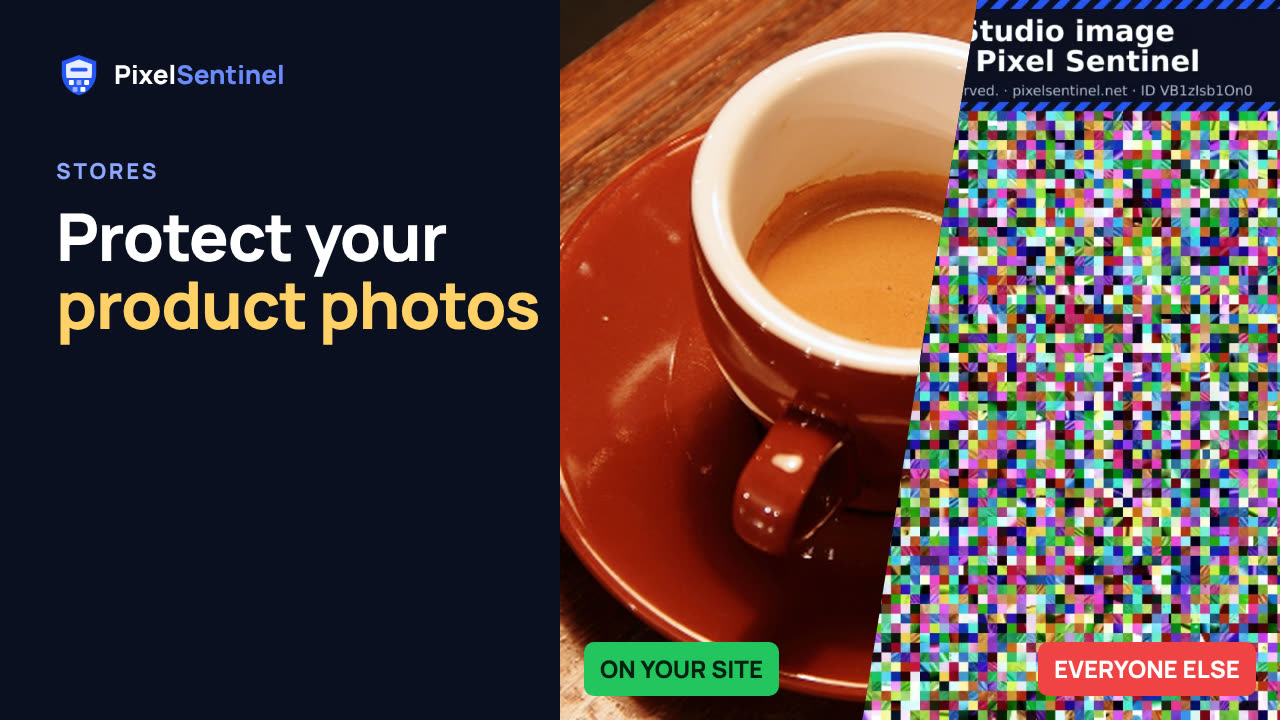 How to protect product photos on Shopify, Etsy, Amazon and eBay1:47
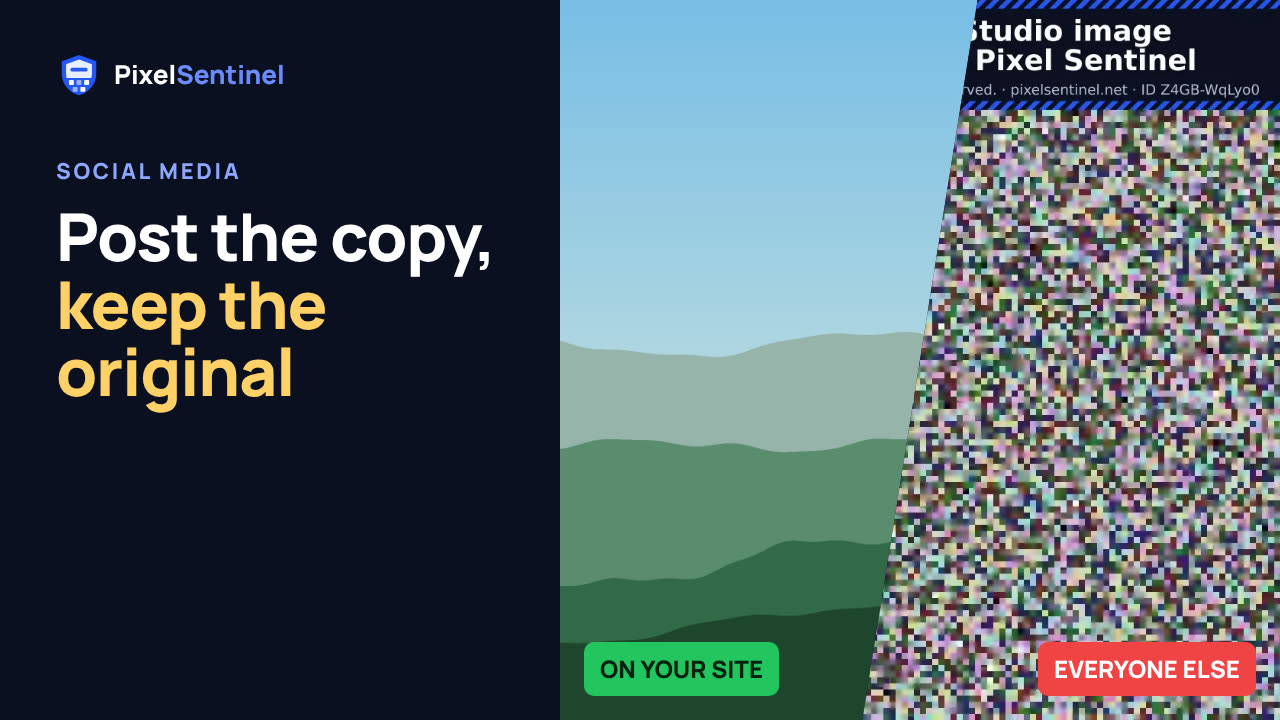 Post on Instagram, Facebook and Pinterest without giving away your original1:30
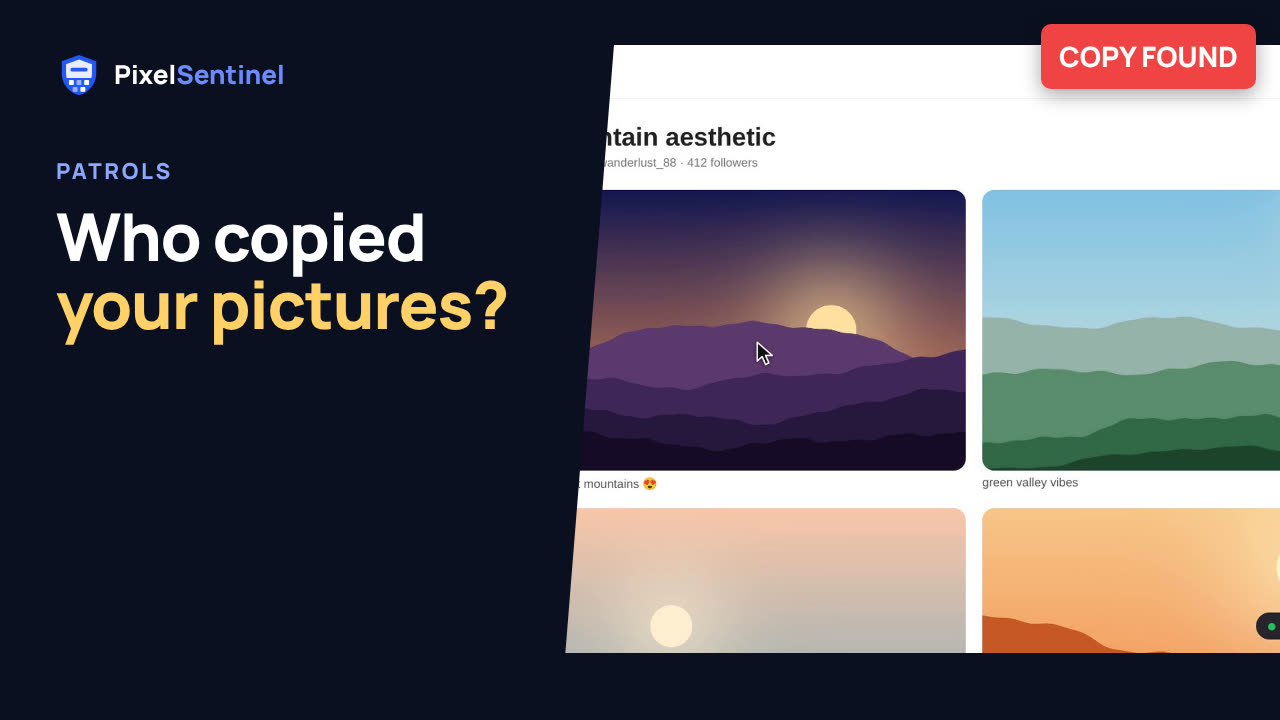 How to find copies of your photos and art on the web (Pixel Sentinel patrols)1:51
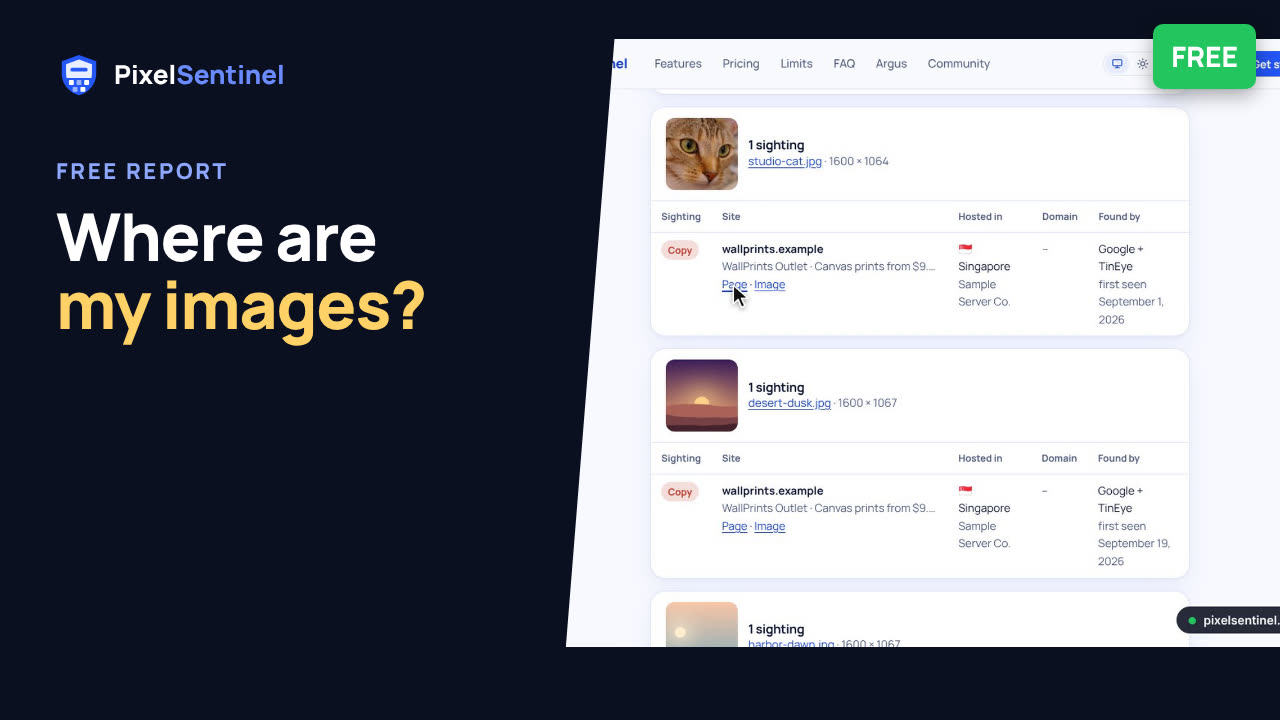 Where are my images? Free report finds copies of the pictures on your website2:07