Videos
See how it works
Short, narrated videos: what Pixel Sentinel does, how to set it up on your site, and how to find copies of your pictures. Each one plays from YouTube when you press play. Subscribe on YouTube
 1:27
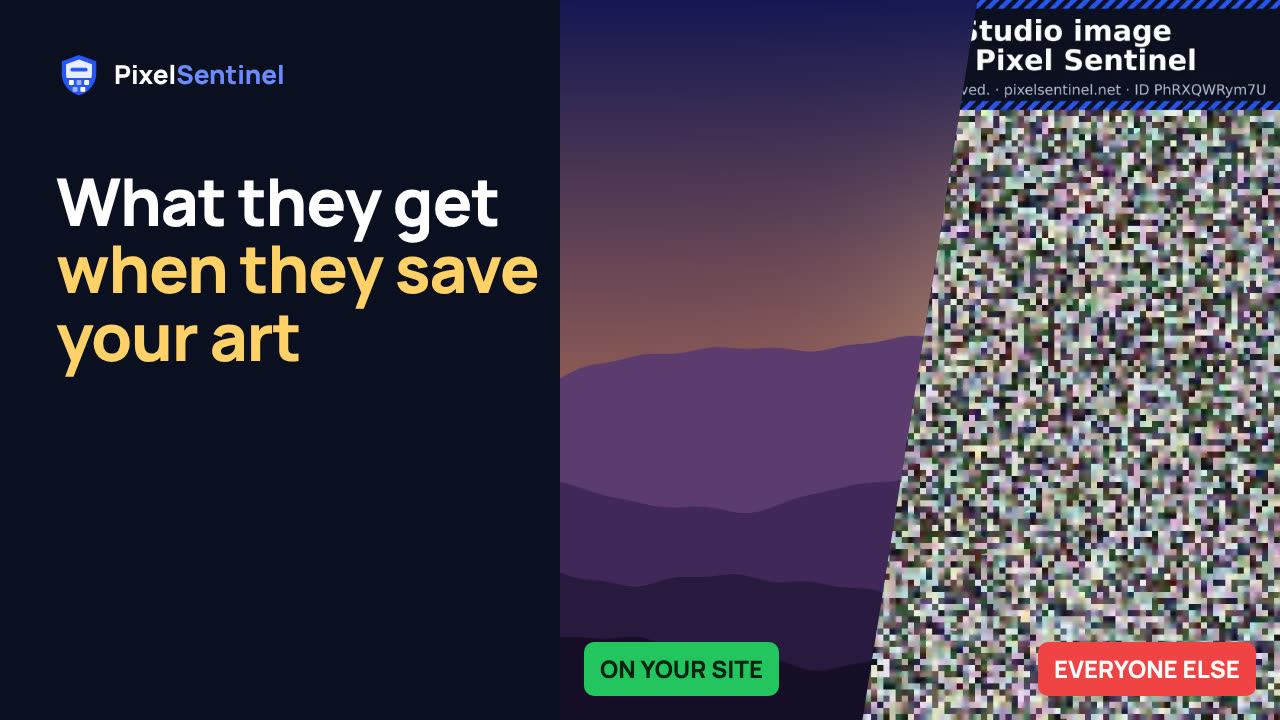
Stop people saving your images: Pixel Sentinel in 90 seconds
Your visitors see your real photos and artwork. People who save them, sites that copy them, image search and AI scrapers get a scrambled copy with your name on it.
 2:55
Pixel Sentinel setup: sign up, add your site and protect your first images
A full walk-through of the Pixel Sentinel dashboard, from sign-up to your first protected images.
 1:35
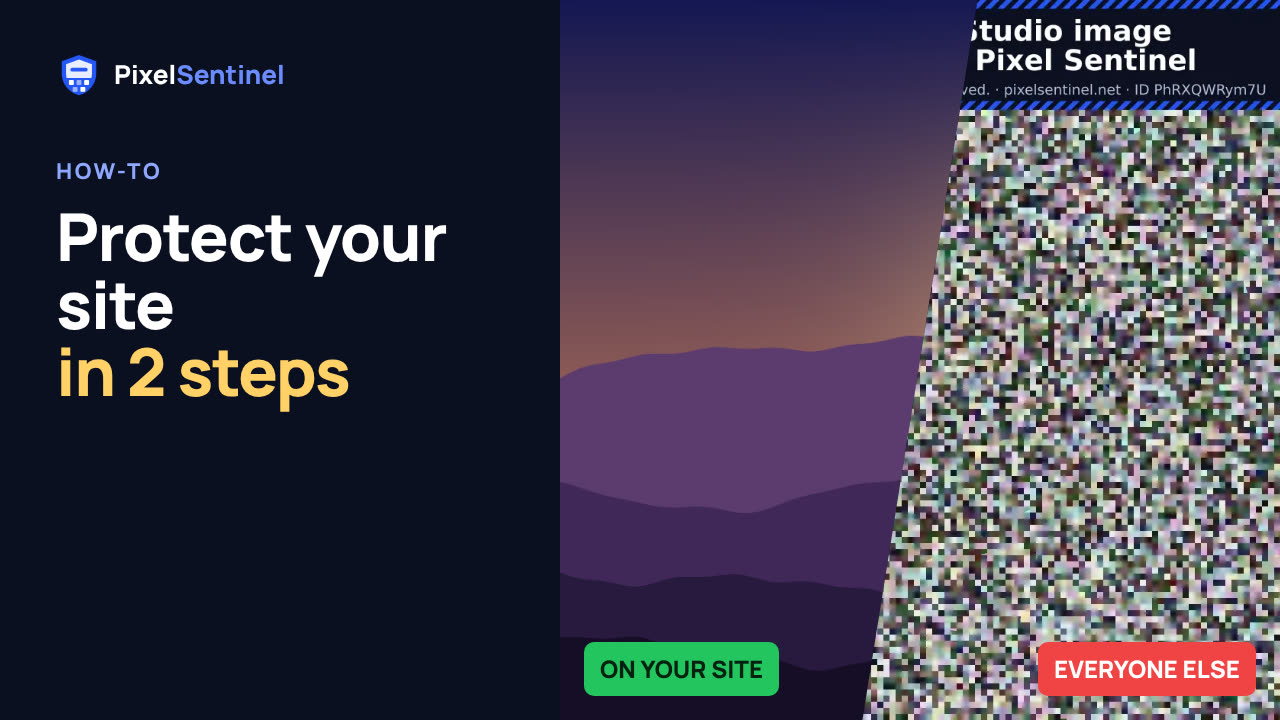
How to protect images on your website from download (2 lines of code)
Add the Pixel Sentinel loader to the head of your pages once, then paste each picture's script embed where it should appear. Visitors see the real picture; "Save image as", other sites, image search and bots get a scrambled copy.
 2:13
How to protect images on WordPress (Pixel Sentinel Image Protection plugin)
Connect WordPress to your Pixel Sentinel account with the Pixel Sentinel Image Protection plugin: no code to paste. Create an API client in the dashboard, paste it into Settings > Pixel Sentinel, approve your site, and add Protected image blocks to your pages.
 1:47
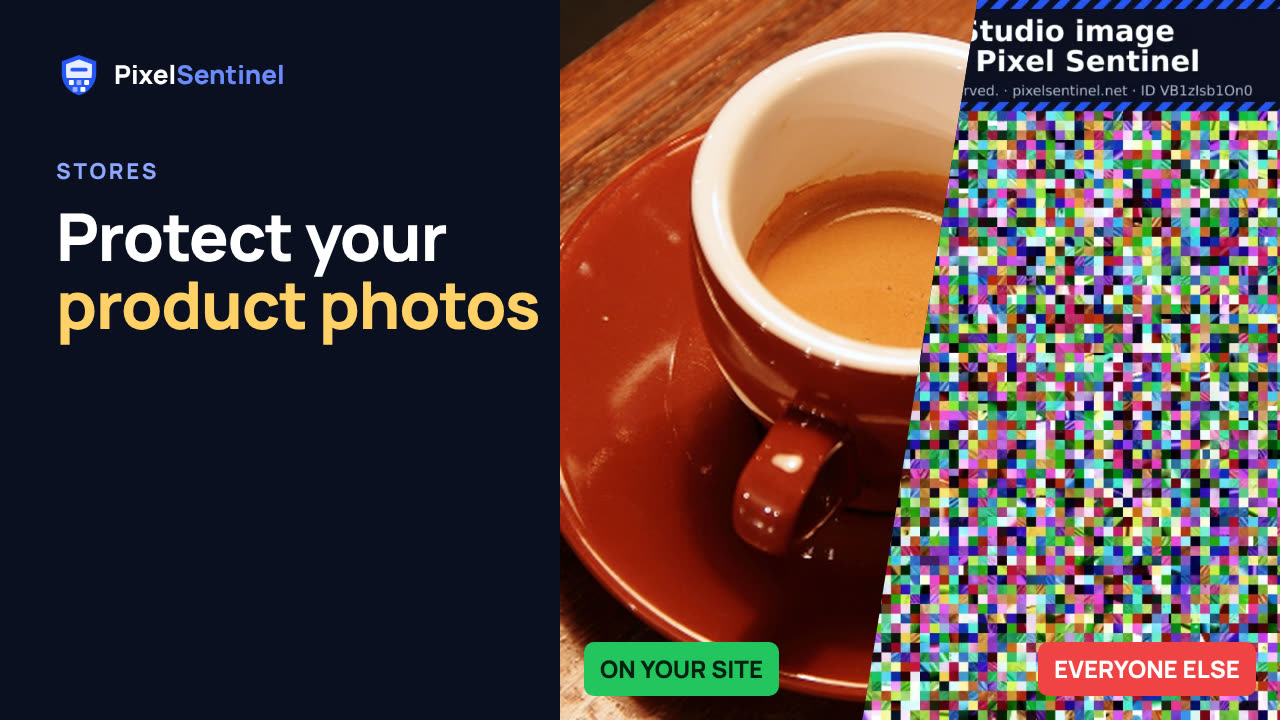
How to protect product photos on Shopify, Etsy, Amazon and eBay
What Pixel Sentinel can and can't protect when you sell online.
 1:30
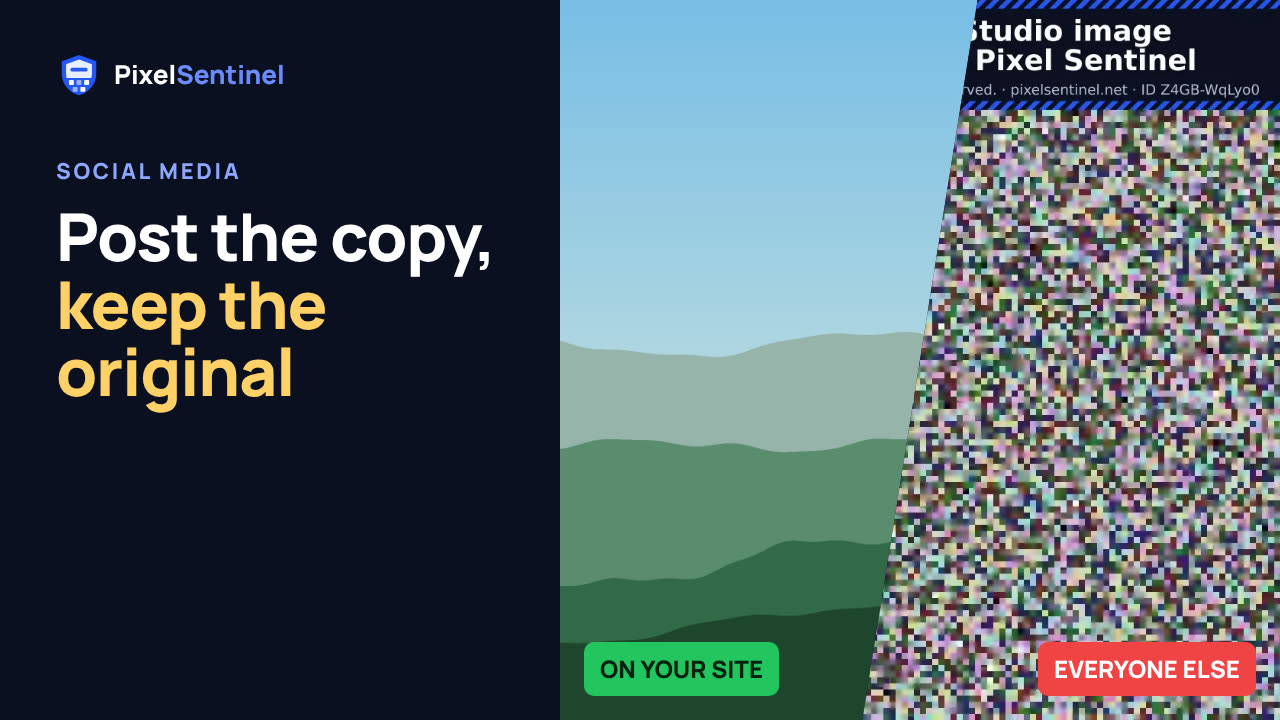
Post on Instagram, Facebook and Pinterest without giving away your original
Social networks keep their own copy of everything you post, so no protection can follow your picture there. What you can control is the file you post.
 1:51
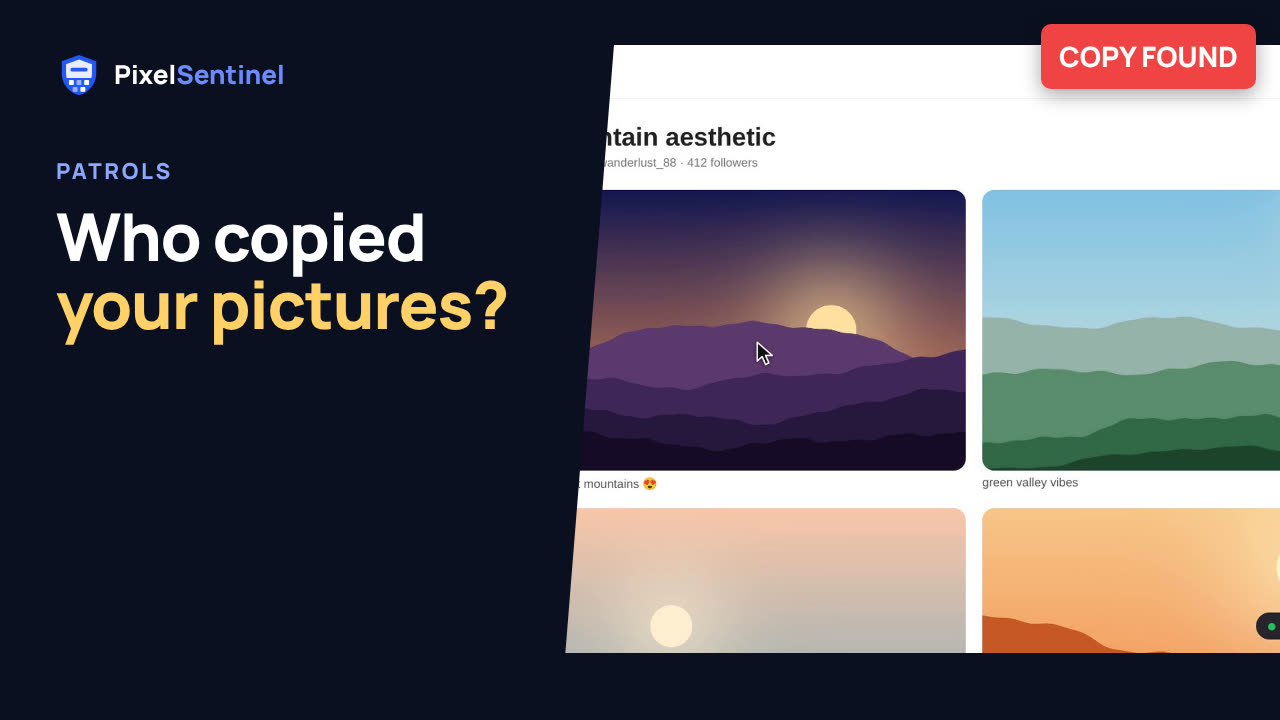
How to find copies of your photos and art on the web (Pixel Sentinel patrols)
Find out where your pictures have been copied: repost boards, wallpaper sites, even shops selling prints of them. A Pixel Sentinel patrol searches Google's and TinEye's image indexes for the pictures you choose and reports every copy, with links, how alike it is to your original, where it's hosted and when it was first seen.
 1:41
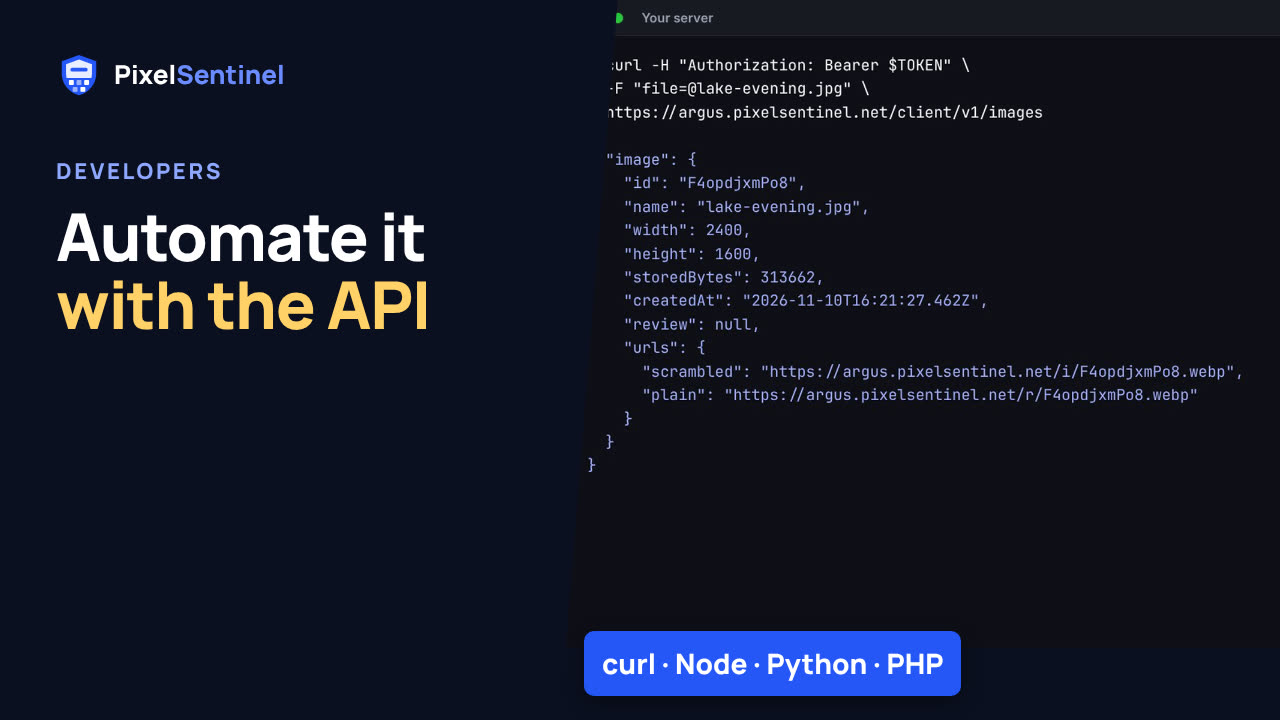
Pixel Sentinel API: upload images and send buyers download links from your server
Use the Pixel Sentinel API from your own server: create an API client in the dashboard, swap its ID and secret for a token (OAuth 2.0 client credentials), upload images, and create expiring download links for buyers. Each link's downloads carry their own invisible watermark, so a leaked copy can be traced to the order.
 2:07
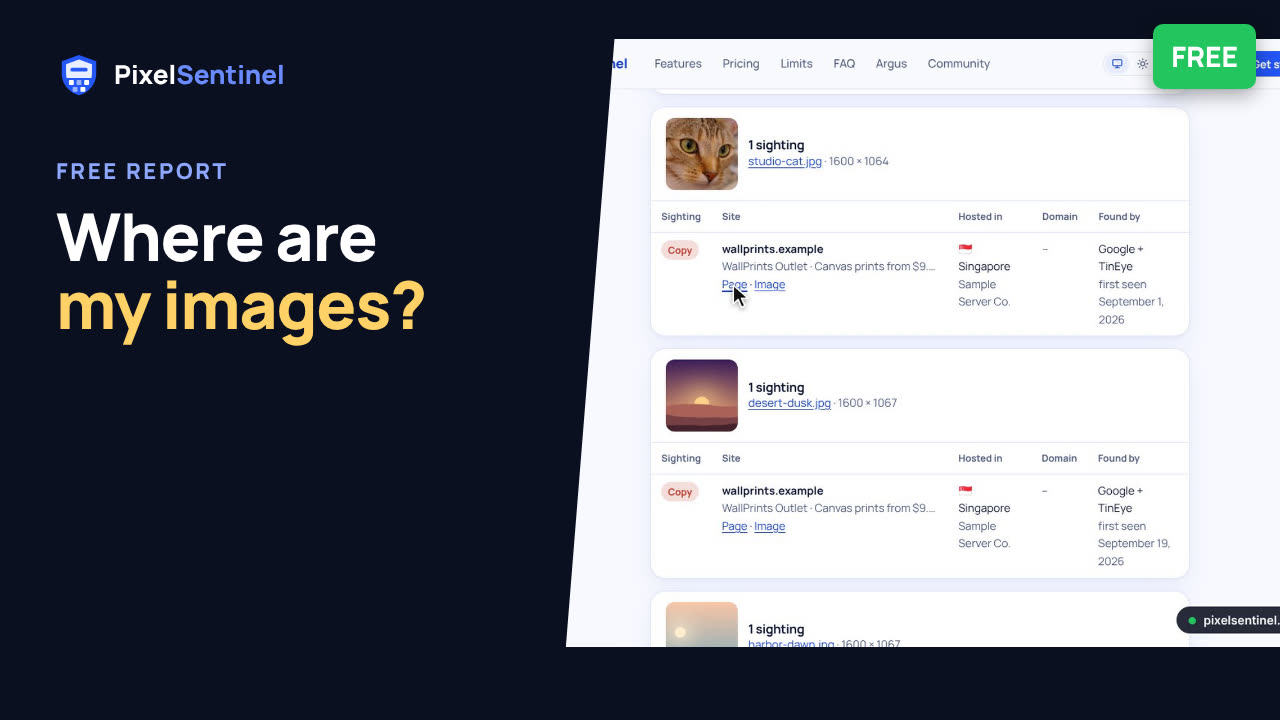
Where are my images? Free report finds copies of the pictures on your website
Find out where the photos and artwork on your website have been copied or hotlinked, free. Enter your site and email, prove the site is yours with a DNS TXT record, and we read up to 12 public pages, choose up to 50 pictures and search Google and TinEye for copies of each. The report shows every copy with links, where it's hosted and when it was first seen.